


xTool X1 Honeycomb Panel
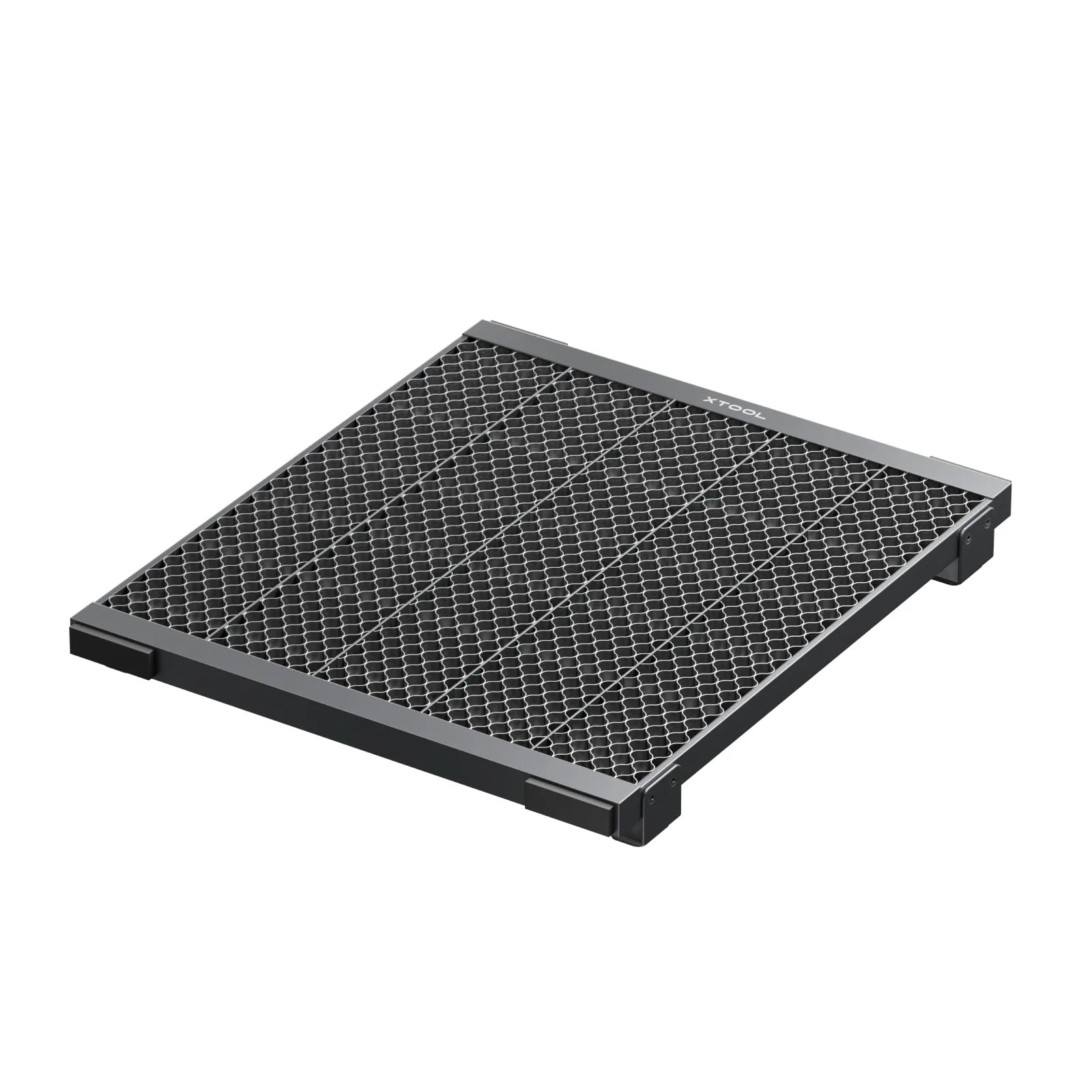
xTool X1 Honeycomb Panel
An aluminium honeycomb work panel designed for the xTool X1. When cutting, it reduces burn marks on the underside of the material, improves airflow beneath the material and protects the machine's base plate. Material holding pins are included.
Order online or book a personal demonstration in our showroom.
Delivery
Delivery SK / CZ / EU
Service and support
Service and support
Accessories and advice
Pre-purchase advice
Key benefits
The honeycomb structure supports the material evenly and improves smoke extraction from underneath. The result is cleaner cuts with less burning on the underside – especially when cutting wood and acrylic.
Fewer burn marks underneath
According to xTool, it reduces burn marks and traces on the underside of the material when cutting.
Better airflow
The honeycomb structure improves smoke extraction from beneath the material and contributes to a cleaner result.
Even support
It supports wood, acrylic, metal and leather; the supplied pins hold even slightly warped material in place.
Machine protection
It protects the X1's original base plate. The panel is made of 100% aluminium – according to xTool, light and strong.
Which machine it is for
xTool X1
According to xTool, the accessory is designed exclusively for the xTool X1.
xTool X1 Honeycomb Panel – technical data
What's in the box
According to the official xTool manual.
- Honeycomb panel
- Material holding pins
- User manual
Questions and answers
When should I use the honeycomb panel and when the slats?
The honeycomb panel is mainly suited to cutting, where it reduces burn marks on the underside of the material. The slats are included with the X1 – choose the support to suit the material and the job.
Can it be combined with the Workplate?
Yes. According to xTool, the xTool X1 Workplate can be used with both the slats and the honeycomb panels.
We'll help you with X1 accessories
Not sure whether an accessory is right for your work? Get in touch – we will help with selection, installation and service.
