


xTool M2 20W Standalone
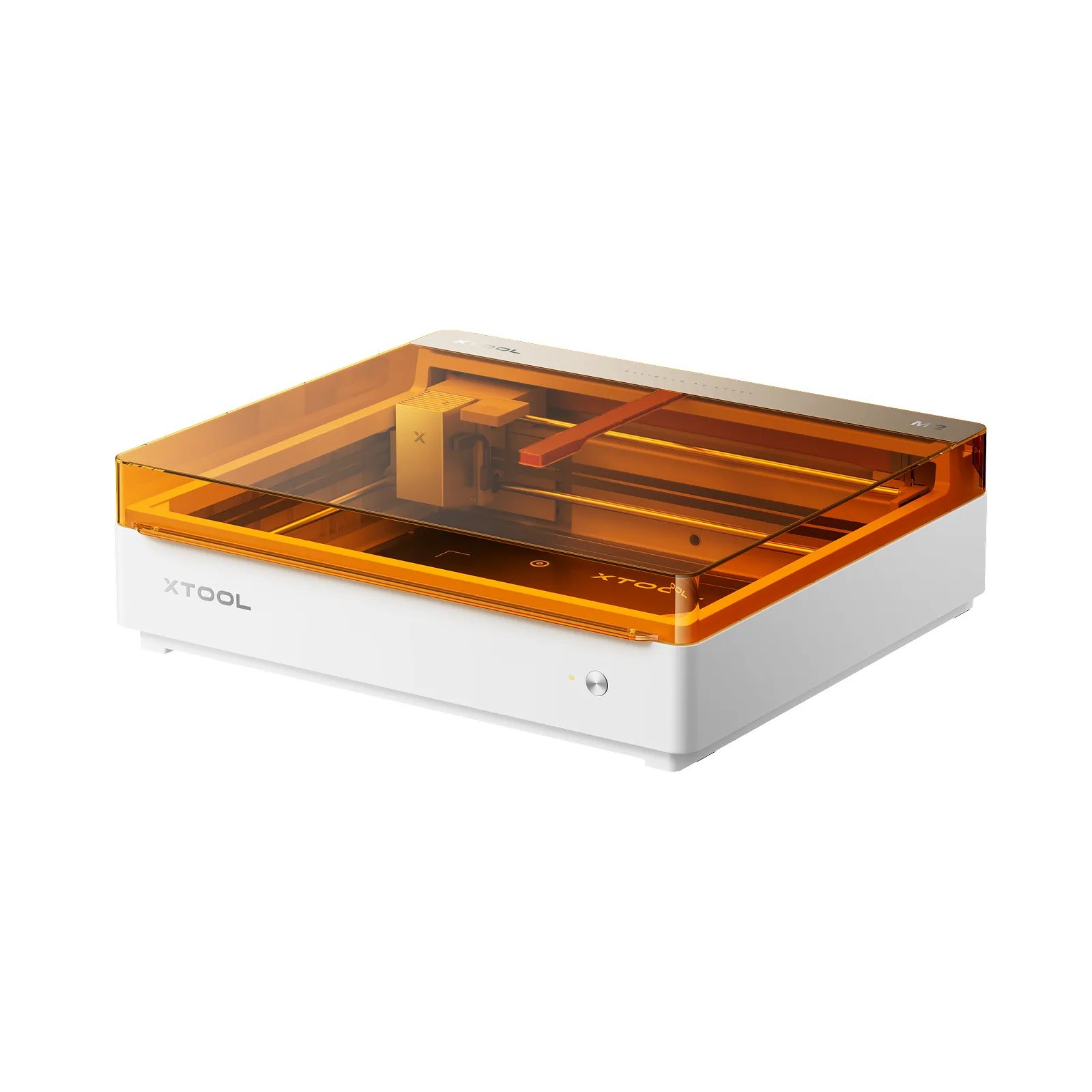
xTool M2 20W Standalone
Cutting and engraving with a camera system for precise, safe and easy making at home or in a small workshop.
Do you have a question about the product or need to check whether it is right for you? We will be happy to advise you.
Delivery
Delivery SK / CZ / EU
Service and support
Service and support
Pre-purchase advice
Pre-purchase advice
Try the xTool M2 in our showroom in Košťany nad Turcom
We understand – when buying a laser machine, you want to know exactly what you are getting. That is why we will be happy to welcome you to our showroom in Košťany nad Turcom, Slovakia, where you can try the xTool M2 live before you buy.
Bring your own material – we will be happy to test it with you.

xTool M2 or MONOR?
Both systems have their place – they differ in size, power and the applications they are optimised for.
xTool M2
A compact laser for makers and small businesses
- Compact dimensions that fit on a desk or in a smaller workshop
- Easy operation thanks to the camera system and xTool Studio software
- Ideal for makers, creatives, hobby production and smaller orders
- Expandable with colour printing, a rotary attachment and other modules
MONOR
Powerful industrial lasers for production
- Larger working area and higher power for more demanding materials
- Designed for series production and production use
- A wide range of power levels in CO₂ and fiber technology
- Suitable for companies with higher production volumes
What the xTool M2 can do
The foundation is precise cutting and engraving, which you can extend with colour printing or metal and plastic marking as needed.

Cutting
Precise cutting of wood, acrylic, paper, cardboard, felt and other common materials directly from your computer.

Engraving
Detailed engraving on wood, leather, acrylic, coated metal, glass, ceramics and many other materials.

Colour printing
Full-colour inkjet printing directly onto the material before or after cutting – ideal for gifts, name tags and decorations.
Optional CMYK module
Metal and plastic marking
Permanent marking of metal and plastic surfaces with the infrared module – suitable for production labels and markings.
Optional 3W IR moduleExpand your xTool M2
You can add modules and attachments to the machine as needed – we are also preparing an overview of them as separate items to order together with the machine.
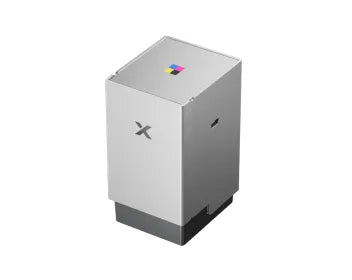
CMYK inkjet module
Colour CMYK inkjet module for printing directly onto materials.
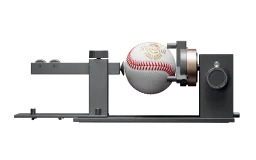
Rotary attachment
Enables engraving on cylindrical objects – glasses, bottles and other round shapes.
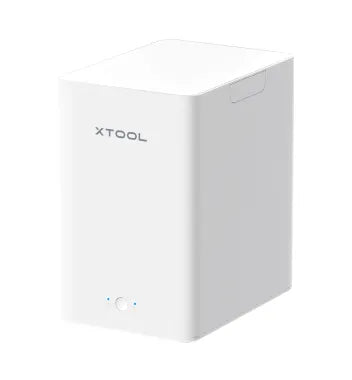
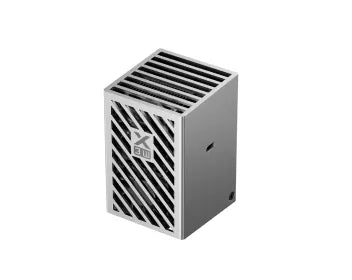
Desktop air purifier
Filters smoke and odours during cutting and engraving – suitable for indoor work.
3W IR module
Infrared module for permanent marking of metals and plastics.
10W or 20W?
The xTool M2 is also sold in a version with a 10W diode laser. The difference is mainly in material thickness and cutting speed.
10W module
Suitable for fine work and thinner materials.
- Fine, detailed engraving
- Cutting thinner paper, veneer and acrylic
- Lower power consumption and quieter operation
20W module
Suitable for both everyday and more demanding cutting.
- Cutting thicker materials in a single pass (e.g. approx. 10 mm beech plywood)
- Faster processing for repeat production
- A more versatile choice for regular use
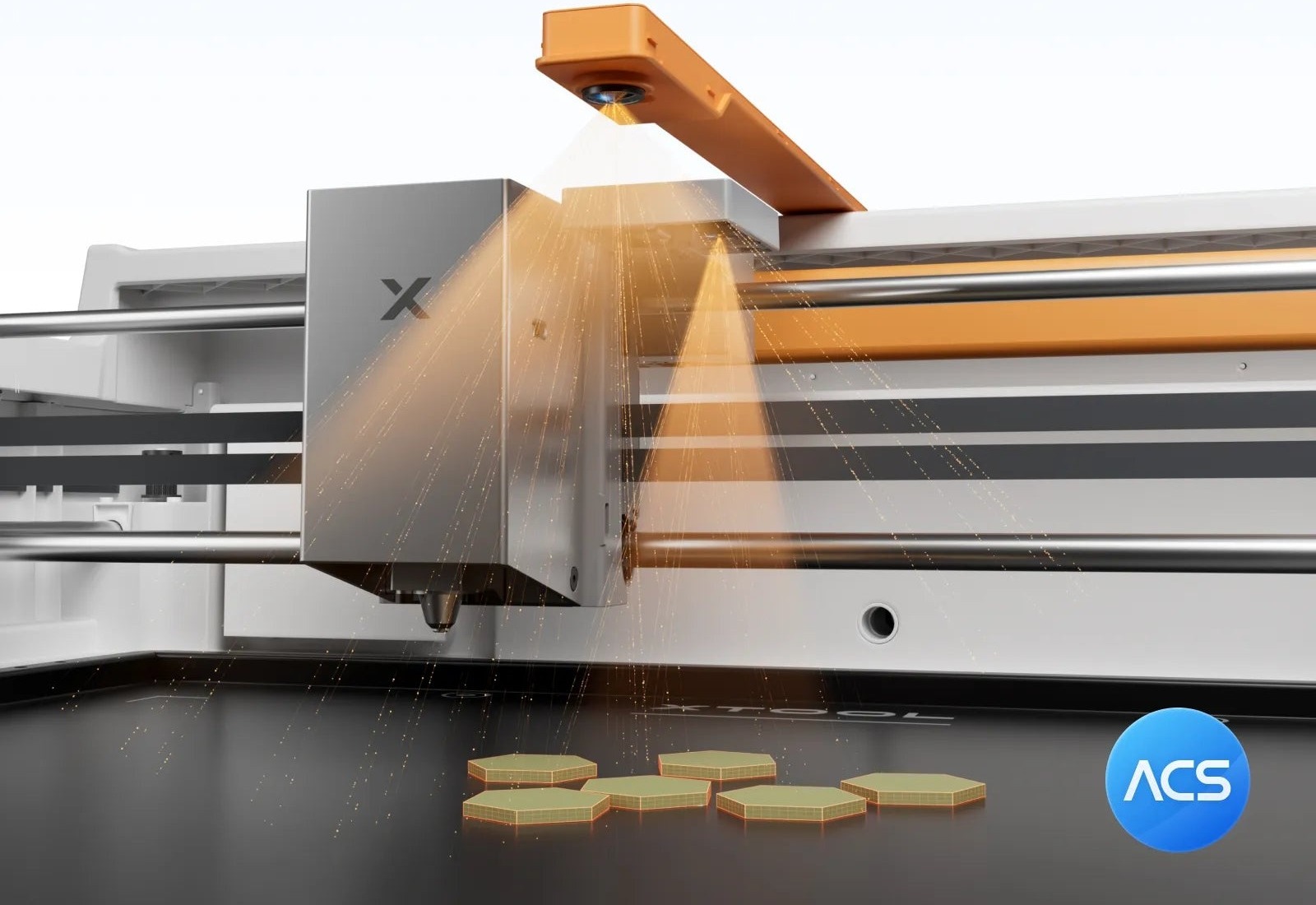
Dual camera system
A two-camera system for previewing the working area and positioning designs precisely – the xTool M2 is one of the first diode lasers with two cameras.
Panoramic camera
Shows the entire working area and the position of the material before the job starts.
Close-up camera
Helps place the design precisely on previously used or irregular material.
Autofocus
The machine sets the focus automatically according to the material thickness.
Progress monitoring
You can watch the job live through the camera in the software.
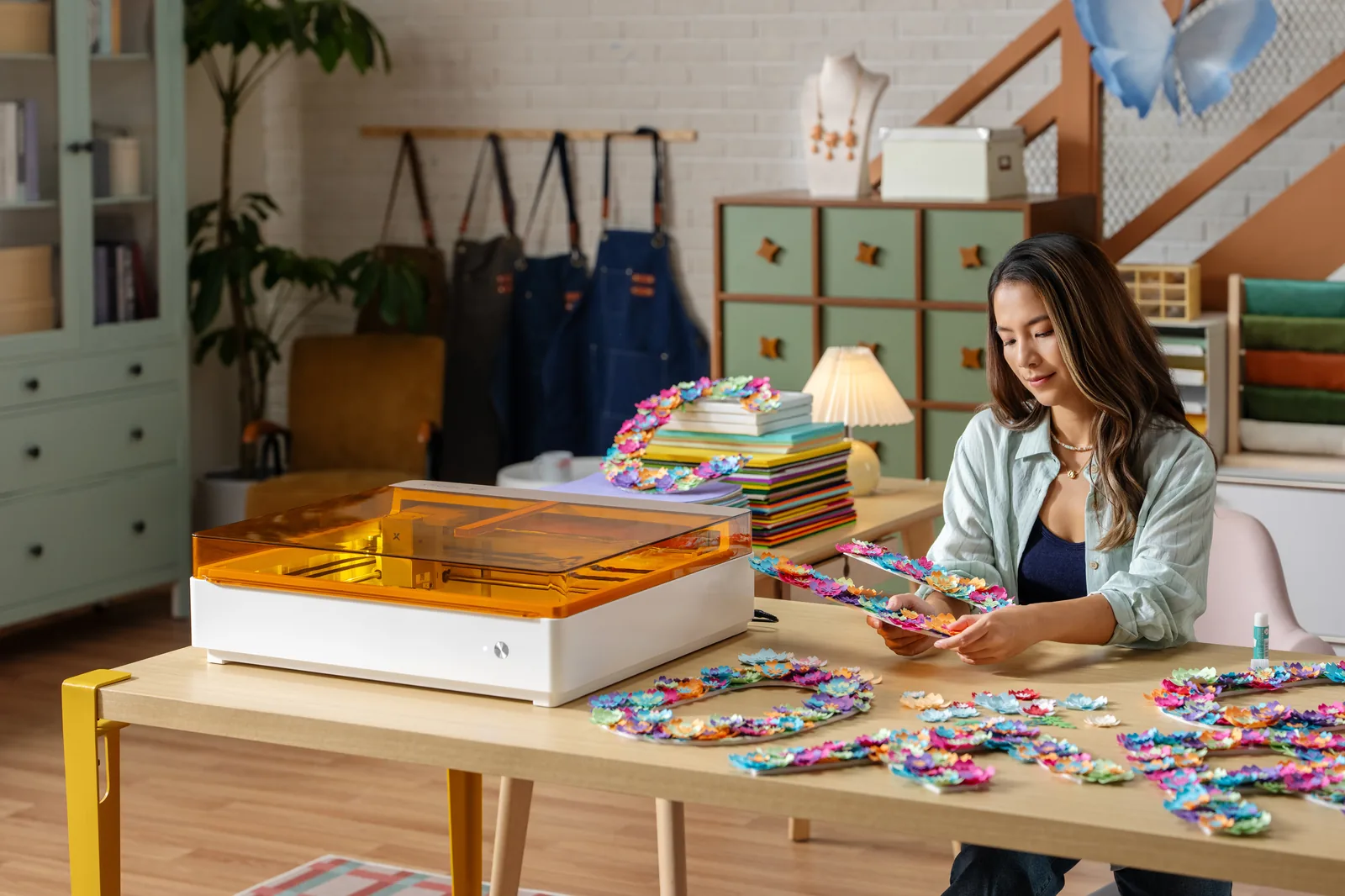
Print & Cut with the CMYK module
With the optional CMYK inkjet module, the xTool M2 can first print a colour design directly onto the material and then cut it out precisely along the print – ideal for stickers, name tags and gifts.
Printing and cutting take place on the same machine, with the camera helping to align the cutting line precisely with the printed design.

3W IR module for metal and plastic
The infrared laser module adds permanent marking of metal and plastic surfaces to the xTool M2 – suitable, for example, for production labels, serial numbers or tool marking.
xTool M2 20W – a compact laser for everyday making

The xTool M2 is a diode laser designed primarily for home makers, creatives and smaller workshops that want to cut and engrave without complicated setup. The machine is fully enclosed, so you can use it safely even in a living room or a small business – it is rated Class 1 Laser.
The version with the 20W diode module handles everyday and somewhat more demanding cutting – plywood, laminated wood, acrylic, leather, felt and cardboard – as well as detailed engraving on wood, coated metal, glass and ceramics. The machine includes a dual camera system that shows a preview of the working area directly in the xTool Studio software, so you can position the design precisely before starting – even on material you have already used.
This xTool M2 20W Standalone version is the machine itself with the 20W diode laser module installed. Colour printing, rotary engraving on cylindrical objects and metal marking are not included in this version – they are optional modules and attachments that you can buy separately at any time.
xTool M2 20W – technical data
What's in the box – xTool M2 20W Standalone
This list applies to the basic Standalone version with the 20W diode laser module installed, without additional modules.
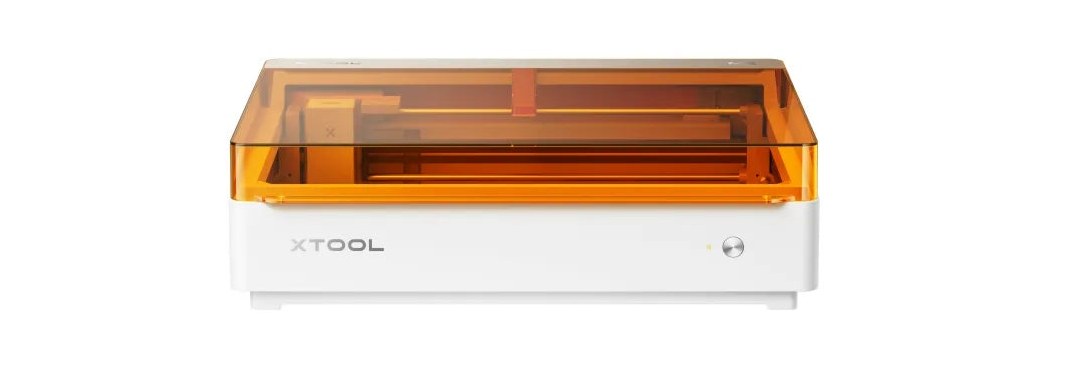 xTool M2 (machine with 20W diode module)
 Module connection cable
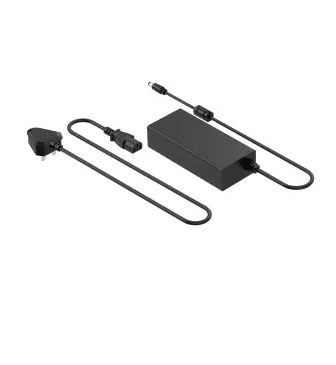 Power adapter and cable
 USB cable and adapter
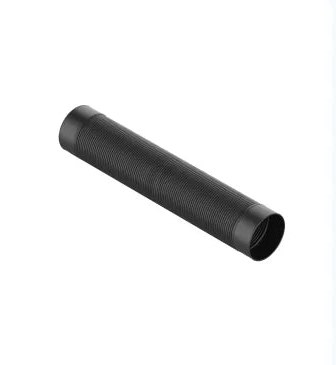 Smoke exhaust (hose)
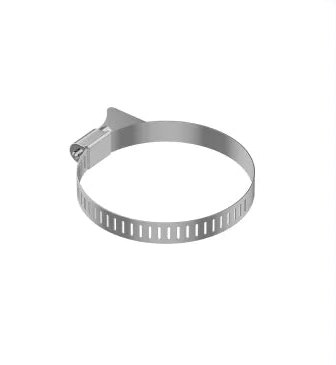 Clamp
 Lubricant
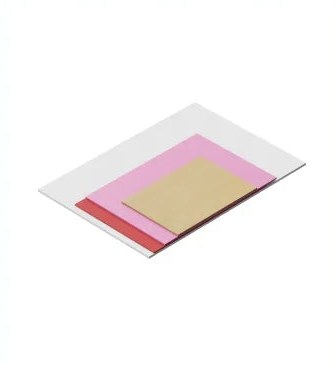 Sample material pack
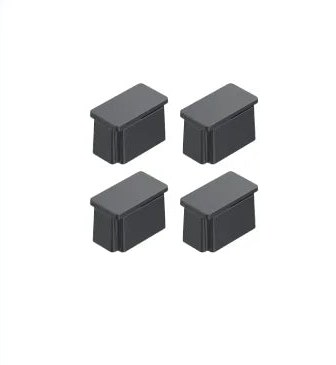 Magnetic material holders
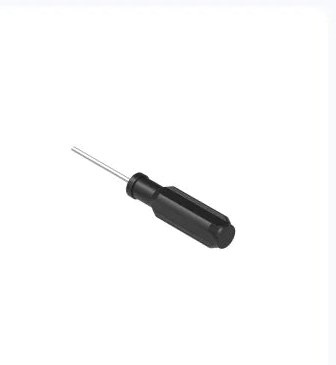 Screwdriver (hex)
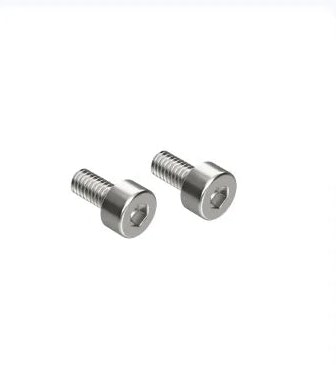 M3×6 screw
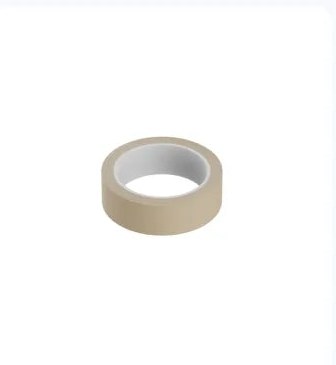 Masking tape
 Safety instructions
 Instruction card
xTool M2 on video
See the xTool M2 in action – real cutting, engraving and printing demonstrations right on this page, without leaving Estroje.sk.
The questions you ask us most often
Is CMYK colour printing included in this version?
No. This page describes the Standalone version, which includes the machine itself with the 20W laser module. The CMYK inkjet module for colour printing is an optional accessory that you can buy separately.
What software do I need to operate it?
The xTool M2 is controlled via the xTool Studio software, which is available for Windows and macOS and connects via USB or Wi-Fi.
Can the xTool M2 cut thicker wood?
The 20W module can cut beech plywood approximately 10 mm thick in a single pass. For thicker materials, we recommend cutting in several passes.
Do I need to connect external extraction?
The machine has its own built-in exhaust pump, so an external air compressor is not needed. For better removal of smoke and odours indoors, we recommend adding a desktop air purifier.
Can I buy the rotary attachment later?
Yes, the rotary attachment can be purchased at any time as a separate accessory for engraving glasses, bottles and other cylindrical objects.
Is the machine safe to use at home?
Yes, the xTool M2 is a fully enclosed laser rated Class 1 Laser Safety, so when used normally according to the instructions it is also suitable for a home environment.
Can I try the machine before buying?
Yes, we will be happy to demonstrate the xTool M2 live in our showroom in Košťany nad Turcom – just book an appointment and bring your own material.
How does it differ from MONOR lasers?
The xTool M2 is a compact laser designed for home making and small businesses. MONOR lasers have a larger working area and higher power and are intended more for production and industrial use.
Don't buy blind – try the xTool M2 with us
Come to our showroom in Košťany nad Turcom, try the xTool M2 live, bring your own material and test it on the spot. We will be happy to explain everything, compare the xTool M2 with the other laser technologies we offer and help you choose the configuration that best suits your work.
Bring your own material – we will be happy to test it with you.