


xTool F2 Ultra Standalone
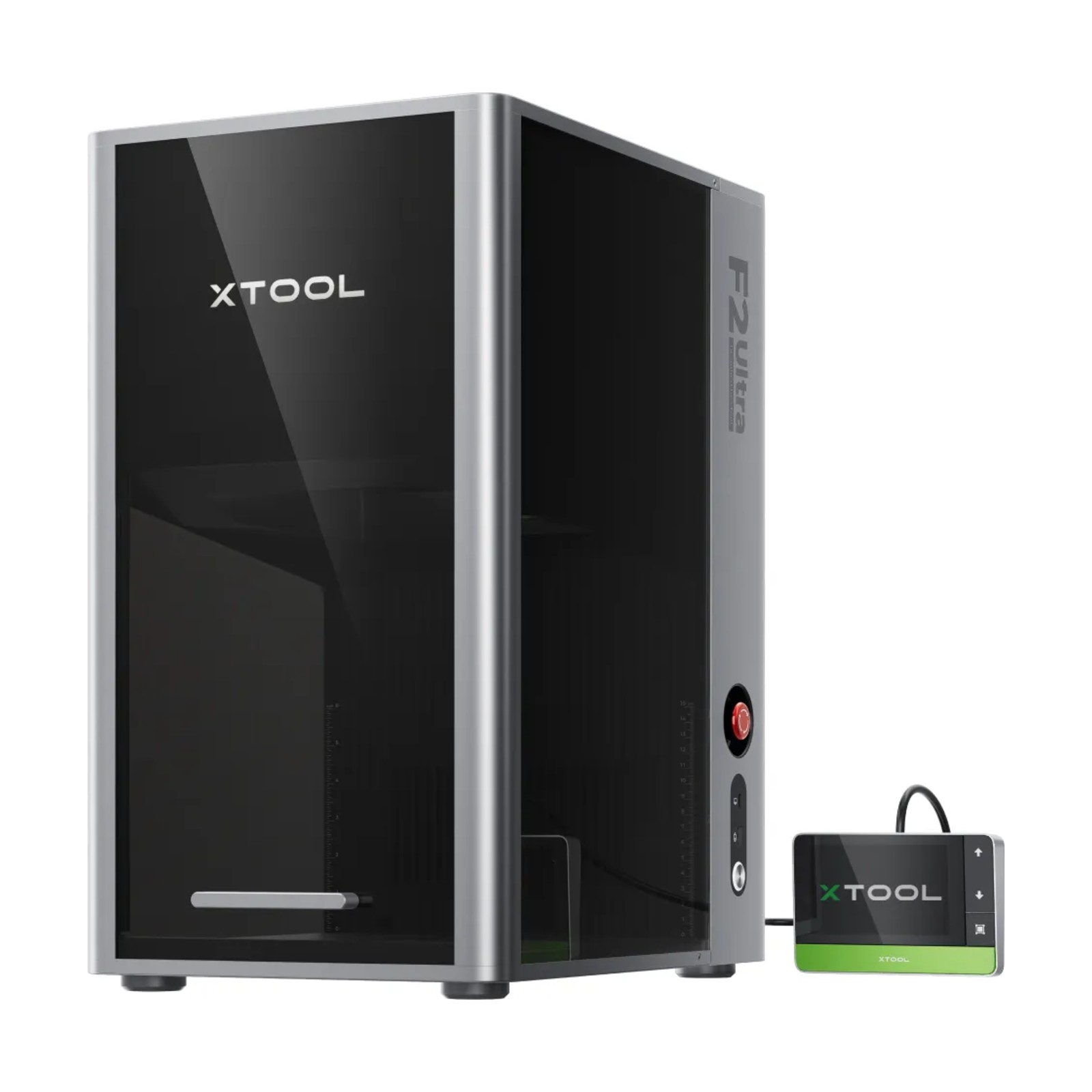
xTool F2 Ultra Standalone
The first 60W MOPA + 40W diode dual laser in a single enclosed machine: the MOPA laser for colour and black marking and deep engraving of metal, the diode laser for cutting and engraving wood, leather and paper. Two 48 MP cameras, xTool Studio and a simple workflow – with the optional feeder, the working area extends to 220 × 500 mm.
Do you have a question about the product or need to check whether it is right for you? We will be happy to advise you.
Delivery
Delivery SK / CZ / EU
Service and support
Service and support
Accessories and advice
Pre-purchase advice
Try the xTool F2 Ultra in our showroom
Colour marking and metal engraving need to be seen live – book a demo in our showroom in Košťany nad Turcom, compare laser technologies and get advice on choosing a machine.
Bring your own material – we will be happy to test it with you.

Which laser is for what
The F2 Ultra combines two beam sources in one machine, so you can process metals and non-metals on a single working area – without switching machines.
60W MOPA laser
Metals, plastics and fine details
- Colour marking on stainless steel and titanium – according to xTool, more than 100 consistent colours
- Black marking without sprays and deep engraving thanks to adjustable pulse length and frequency
- Engraving stainless steel, aluminium, brass, silver, titanium, gold and plastics; cutting thin metals according to xTool tests
- Relief 3D engraving, for example of brass coins
40W diode laser
Wood, leather, paper and other non-metals
- Cutting paper, wood, leather, MDF, felt and some dark opaque acrylic
- Engraving wood, bamboo, fabric, dark glass, ceramics, stone, painted and plated metal
- Finer processing of non-metallic materials
- Both lasers are in one machine – no need to switch devices
Key benefits of the xTool F2 Ultra
The F2 Ultra is designed for makers and businesses that want to process both metal and non-metals with a single machine – with a simple workflow and precise positioning.
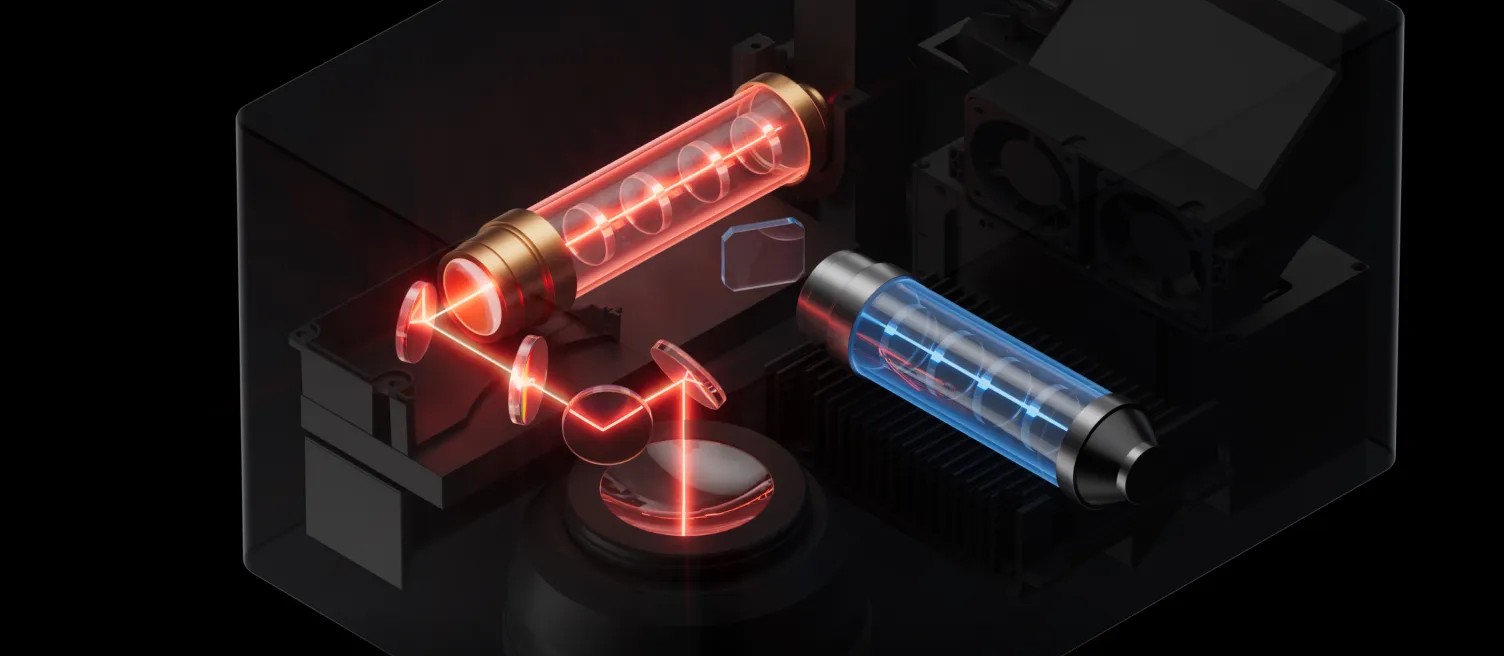
60W MOPA + 40W diode dual laser
One machine covers metals and non-metals. The MOPA laser (60 W) regulates both pulse and frequency, while the diode laser (40 W) processes non-metals more finely and cuts thicker materials.
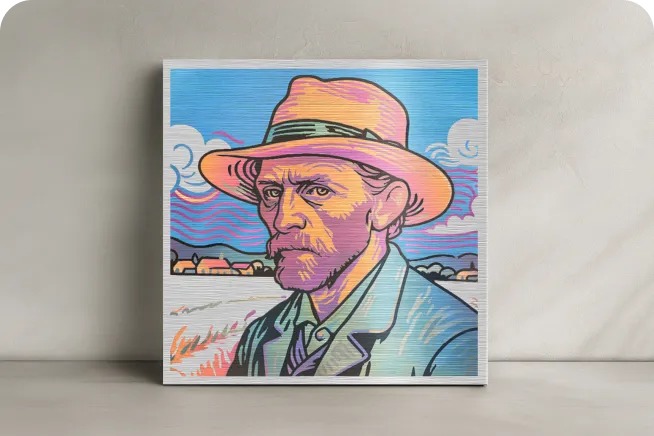
Colour metal marking
The MOPA laser creates more than 100 consistent colours in 7 colour spectra on stainless steel and titanium. You can set colour palettes in xTool Studio with a single click.
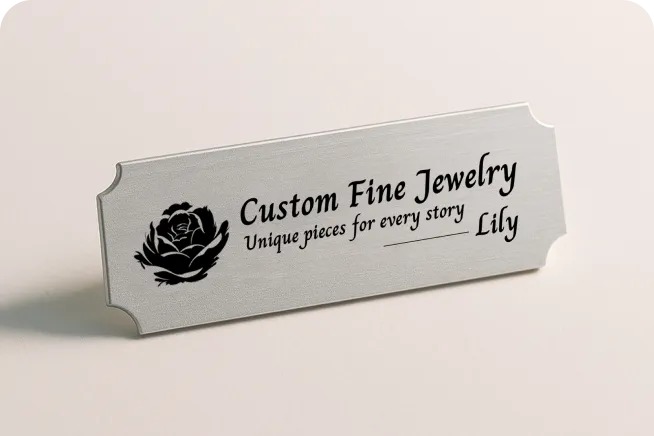
Black marking and deep engraving
Adjustable pulse length and frequency enable deep black marks without sprays as well as deep engraving with rich detail. According to xTool, 3D engraving of metal coins is up to 5× faster than with a 20W fiber laser.
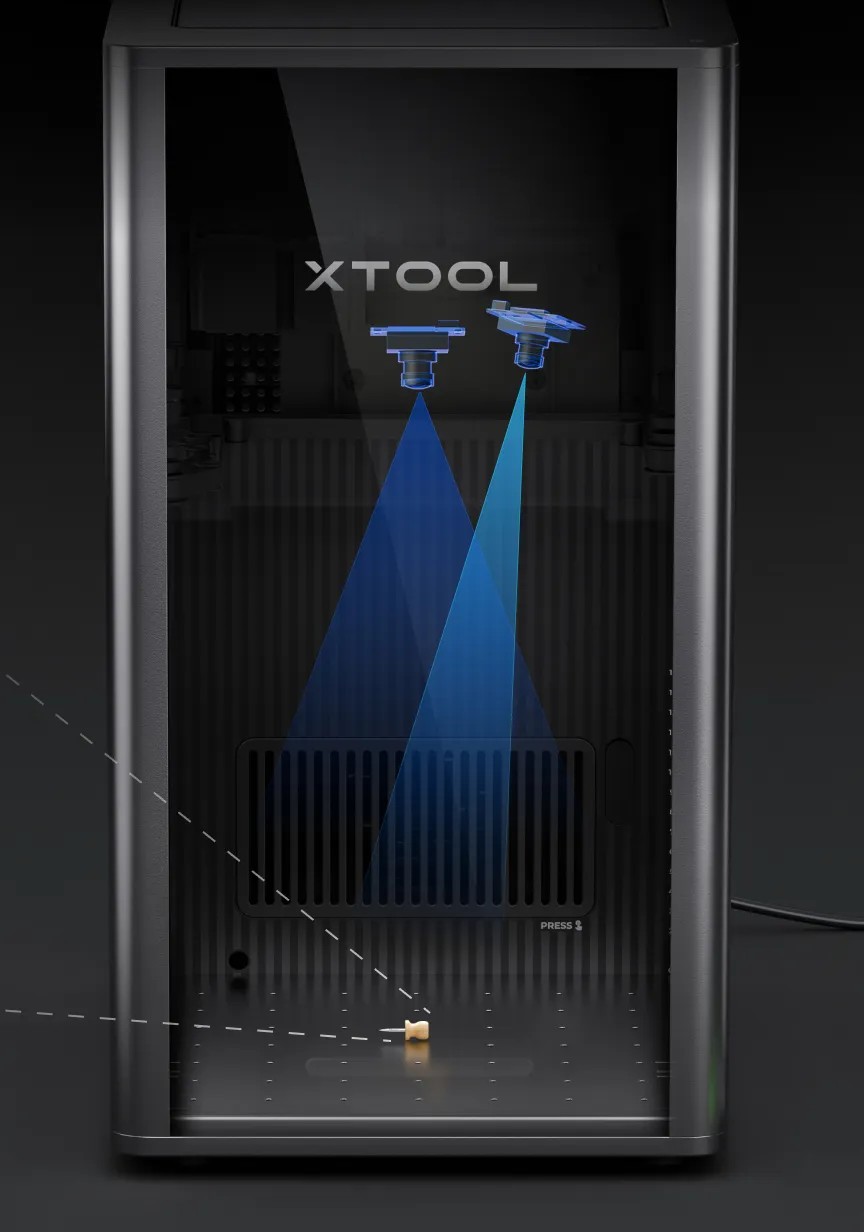
Two 48 MP cameras
Cameras with 0.2 mm accuracy show a preview and enable precise positioning – according to xTool, 60% more accurate than a single-camera system.
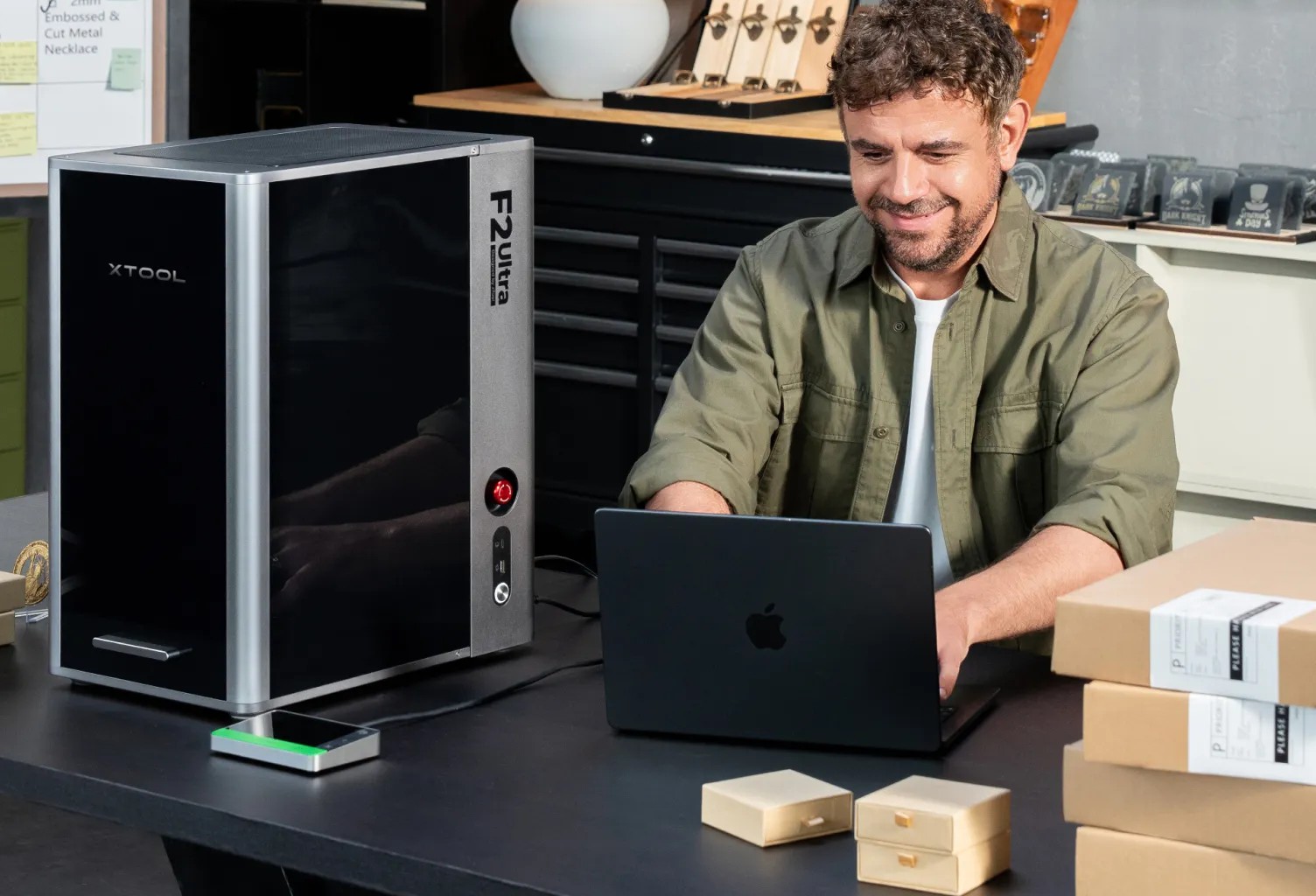
A simple AI-assisted workflow
From material recognition through parameter settings to preview in xTool Studio: automatic colour recognition, AI design in 70+ styles and AI modelling for 3D engraving.

Expandable area with a feeder
The basic 220 × 220 mm area extends to 220 × 500 mm with the optional Auto Streamline™ feeder – suitable for batch production.
From idea to finished piece in four steps
The machine comes factory-assembled – just plug it in, connect it and start working.
Plug in and place the material
Plug in the machine, connect it and place the material – autofocus sets the focus.
Preview and positioning
Two 48 MP cameras show the material in xTool Studio, and you place the design precisely on the live image.
Set parameters with one click
The EasySet™ library offers settings for 500+ materials, so you don't have to test parameters.
Start the job
The Smart Fill function fills the material with designs, and automatic path planning speeds up processing.
Materials and sample results
Cutting and engraving are two different operations. Below are sample projects and which laser suits each material.

Brass and relief (MOPA laser)
Relief 3D engraving and deep engraving of brass – for example coins or decorative items.
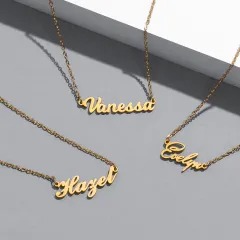
Metal jewellery (MOPA laser)
Engraving and cutting thin metals (stainless steel, brass, aluminium) according to xTool tests – for example name necklaces.

Stainless steel and titanium – colour marking
Colour marking on stainless steel and titanium, for example on mugs and bottles.
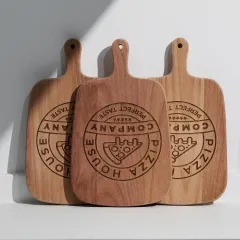
Wood (diode laser)
Cutting and engraving wood, MDF and bamboo – for example chopping boards and signs.
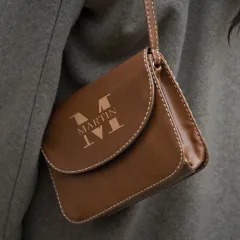
Leather and fabric (diode laser)
Cutting and engraving leather, fabric, felt and paper.

Black metal marking
Deep black marking and engraving of stainless steel items, such as hip flasks, without sprays.
Two 48 MP cameras and precise positioning
Two 48 MP cameras show the material before the job starts and position with 0.2 mm accuracy – according to xTool, 60% more accurate than a single-camera system.
Preview before engraving
A live image of the material in xTool Studio, so you can see exactly where the laser will hit.
Precise design placement
Move the design directly onto the image of the material – less waste and fewer mistakes.
Material recognition
AI guides you through the process from material recognition through parameter settings to preview.
Autofocus
The machine sets the focus automatically according to the material.
Working area and machine design
A compact enclosed machine with a 220 × 220 mm working area that you can extend with the optional feeder.
Working area
220 × 220 mm; 220 × 500 mm with the Auto Streamline™ feeder.
Material height
Up to 150 mm according to the specifications.
Auto Streamline™ feeder
Optional accessory compatible with the F2 Ultra UV, F2 Ultra and F1 Ultra; largest processing area 500 × 220 mm.
Dimensions and weight
294 × 429 × 521 mm, weight 21.6 kg (dual-laser version).
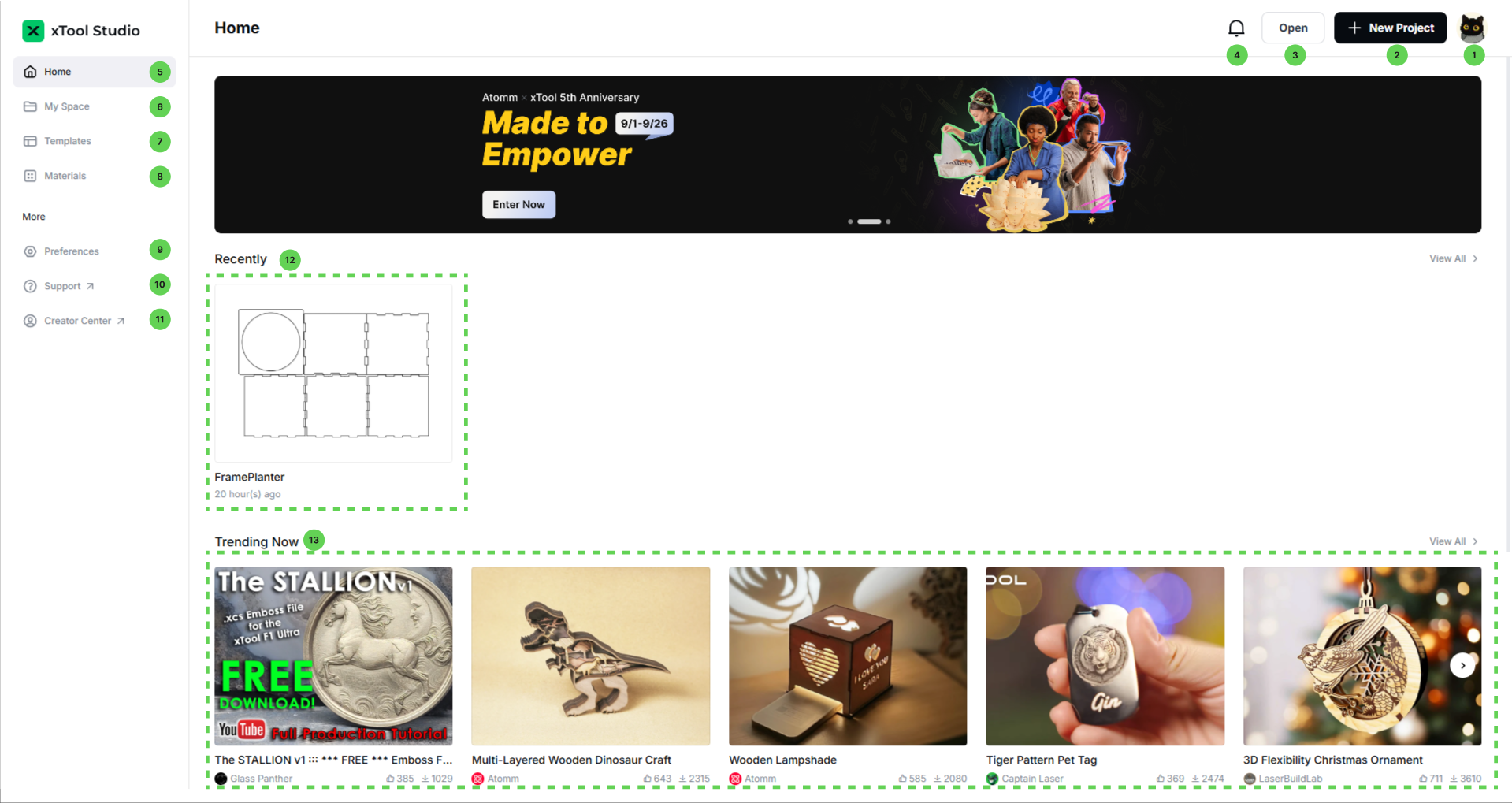
xTool Studio
The F2 Ultra is controlled via the xTool Studio software for Windows and macOS (USB, Wi‑Fi or IP connection). The software brings everything you need together in one place:
- graphic design, AI design and editing,
- one-click parameter settings (500+ materials),
- positioning the design based on the camera image,
- machine control, batch fill and path planning.
Supported formats: SVG, DXF, JPG, JPEG, PNG, BMP, TIF.
Enclosed design and smoke extraction
The F2 Ultra is a fully enclosed machine (the specifications state Class 4 Laser Safety) which, according to xTool, prevents laser radiation and smoke from escaping. It comes factory-assembled and has a removable fan for tool-free maintenance.
Engraving and cutting produce smoke and fine particles (for example wood smoke, acrylic odour or metal dust). xTool recommends smoke extraction or the SafetyPro AP2 air purifier; the purifier is not included in the package.
Expand your xTool F2 Ultra
Verified accessories available in our range – each item is added to the cart separately and is not included in the package.

Auto Streamline™ Conveyor
Extends the working area to 220 × 500 mm and enables continuous processing of longer runs. According to xTool, it is compatible with the F2 Ultra UV, F2 Ultra and F1 Ultra.
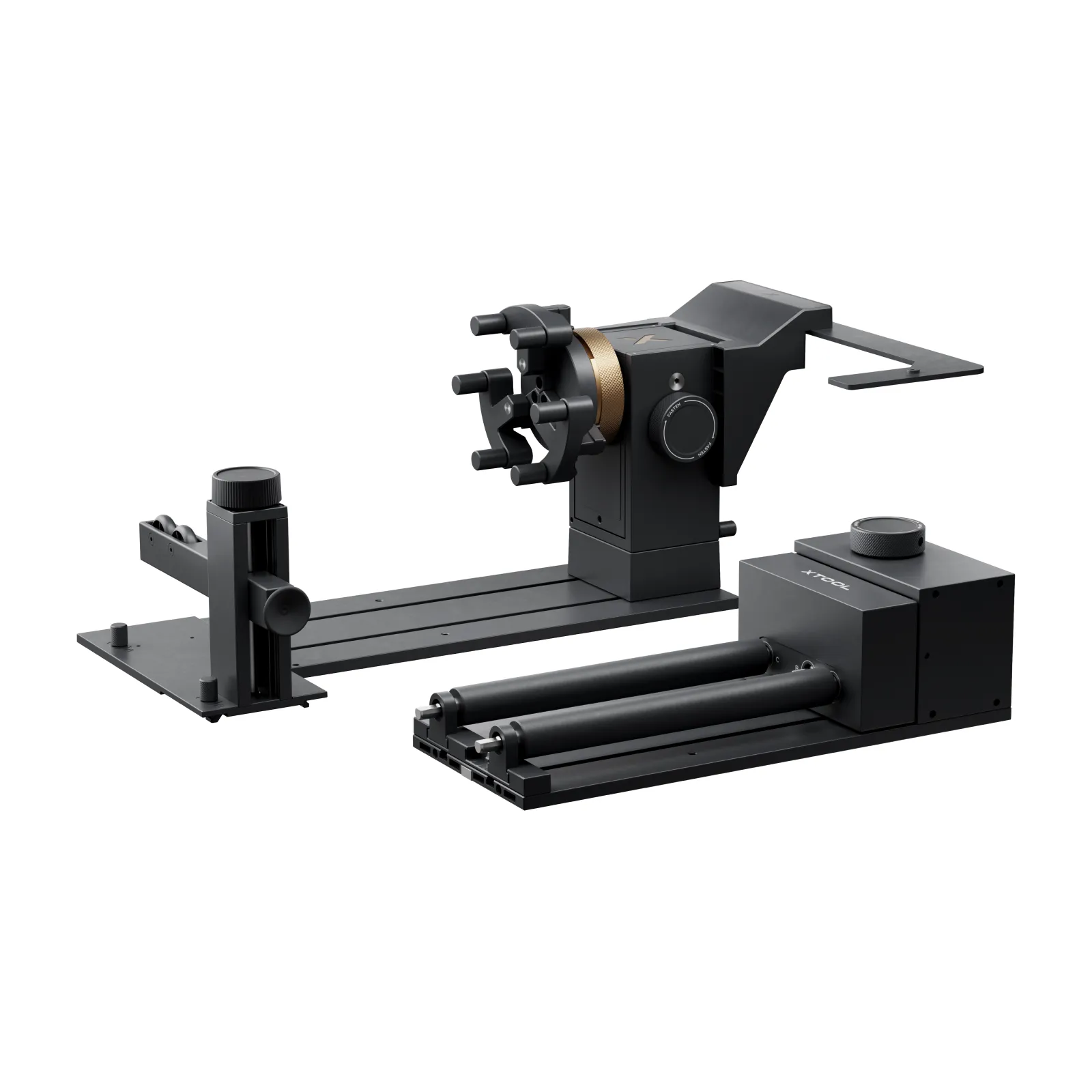
xTool RA3 rotary attachment
The MagSwap™ RA3 rotary attachment for engraving cylindrical objects such as glasses, bottles or rings – according to xTool, with quick mode switching. Rotary engraving up to 150 mm in diameter (F2 Ultra specifications).
xTool F2 Ultra Standalone – technical data
What's in the box – xTool F2 Ultra Standalone
This list is based on the official xTool F2 Ultra package contents. It does not include the feeder or the RA3 rotary attachment – these are optional accessories.
xTool F2 Ultra (machine)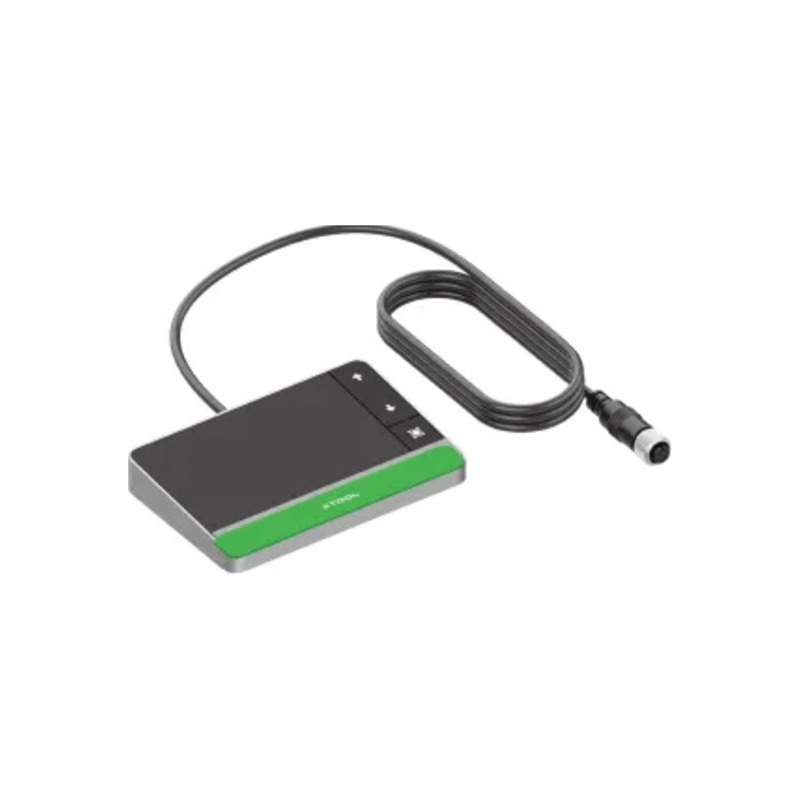 Touch controller
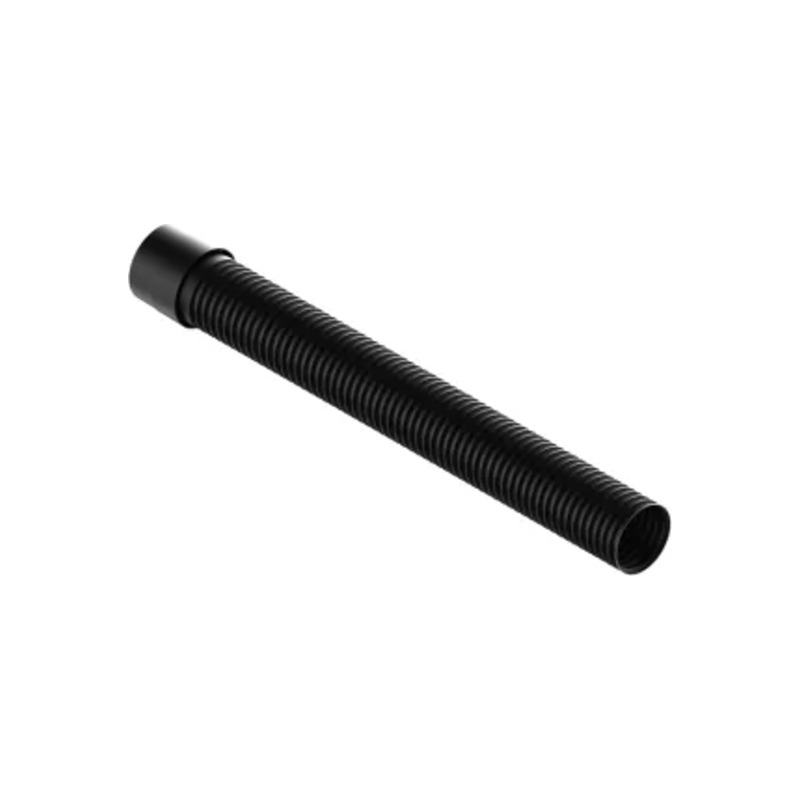 Exhaust hose
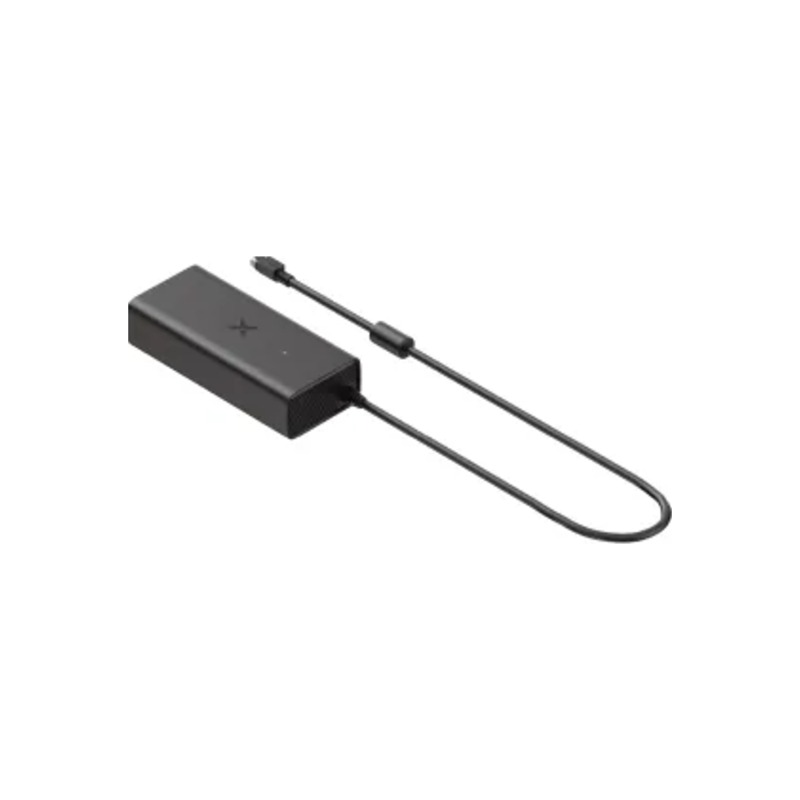 Power adapter
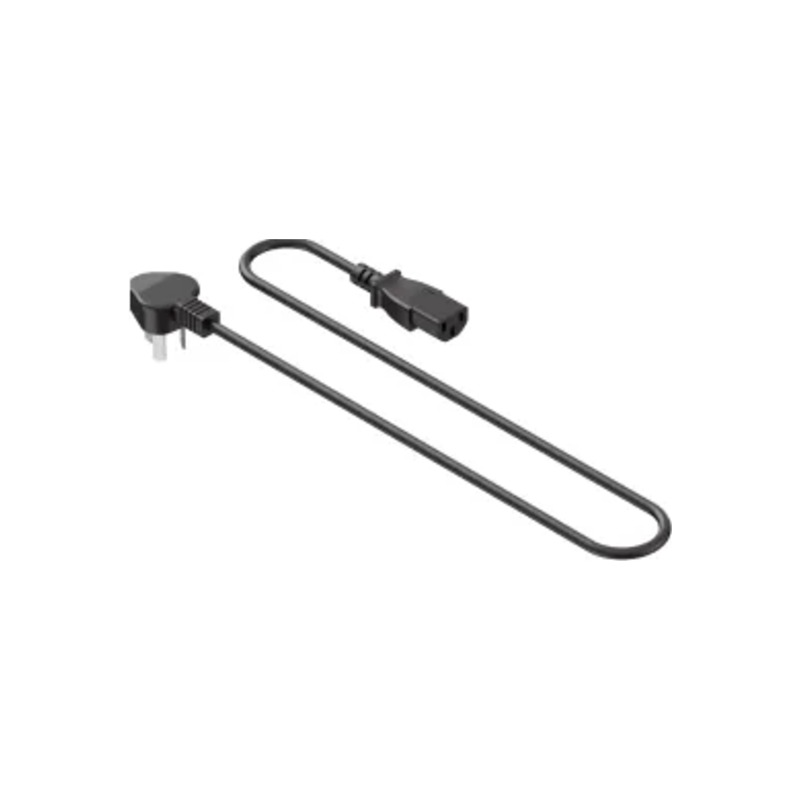 Power cable
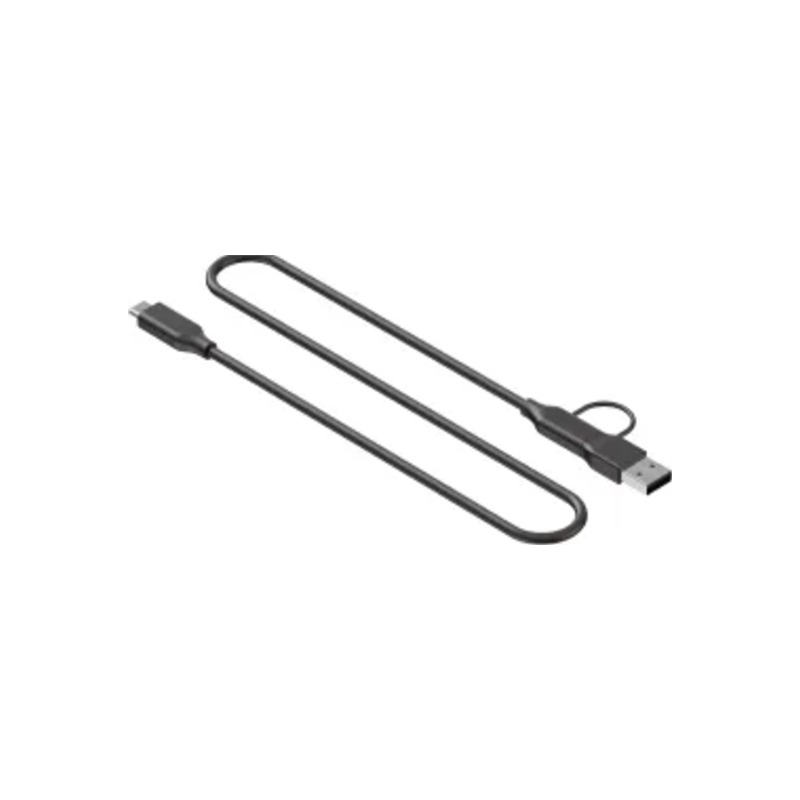 USB cable
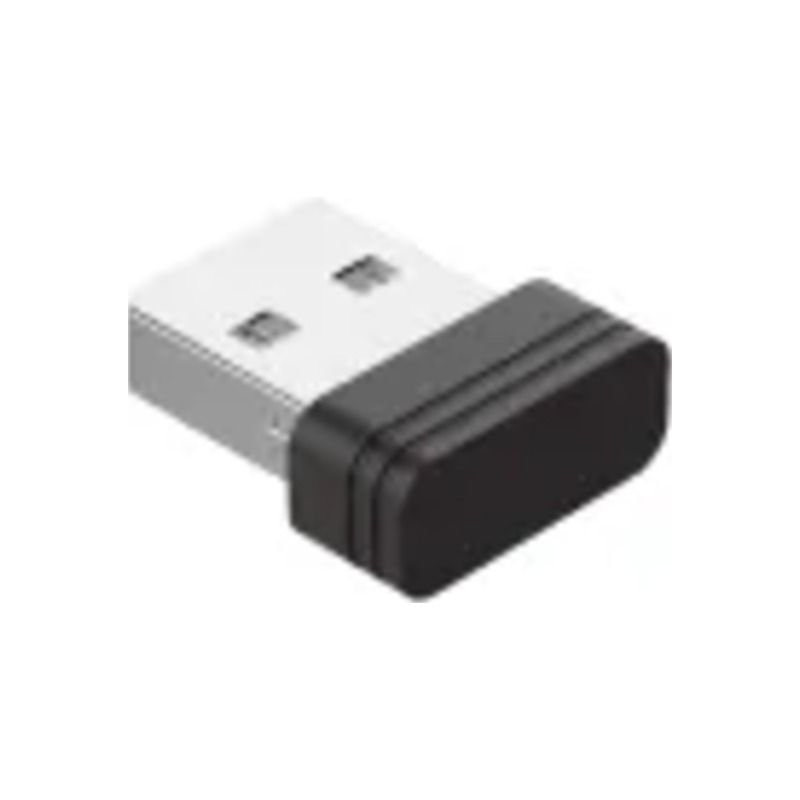 Key
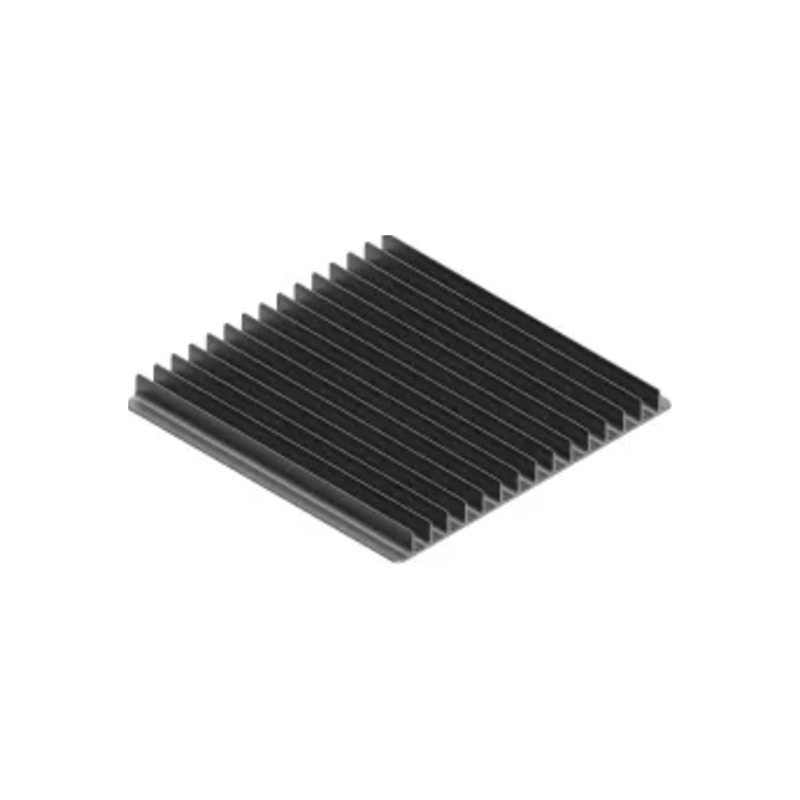 Grid plate
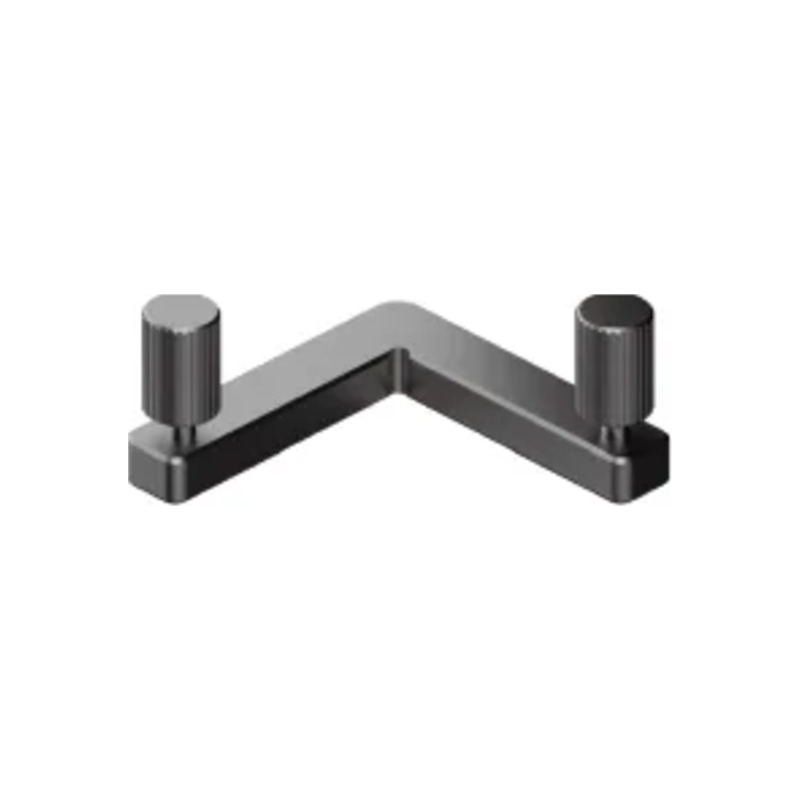 L-shaped positioning piece
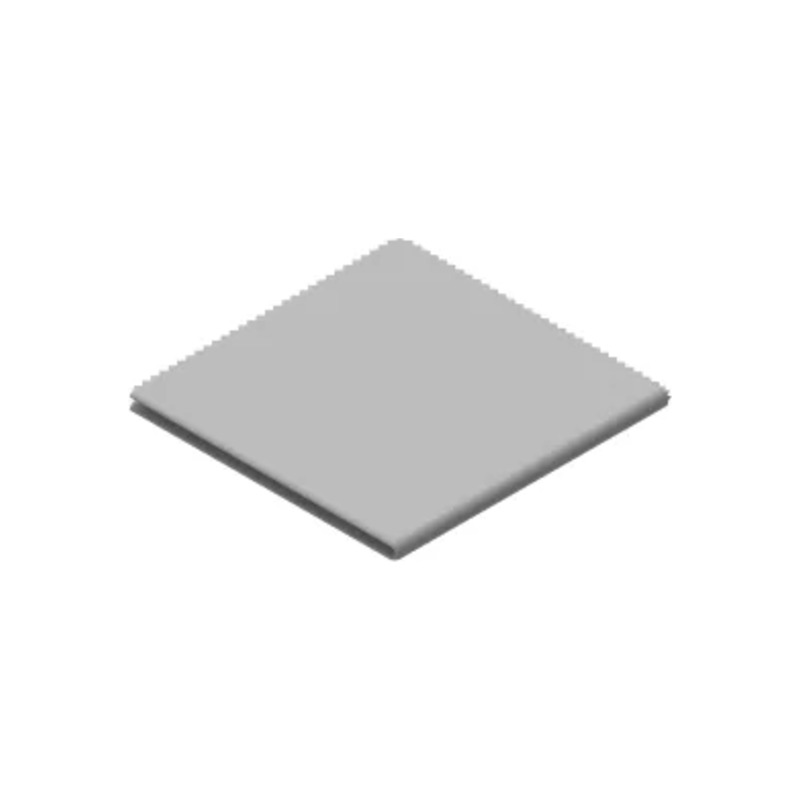 Lint-free cloth
 Screwdriver
 Material pack
 Quick start guide
 Safety instructions
xTool F2 Ultra on video
The official xTool video introducing the 60W MOPA + 40W diode dual laser. The video plays directly on this page.
The questions you ask us most often
Which materials can the xTool F2 Ultra handle?
The diode laser cuts paper, wood, leather, MDF, felt and some dark opaque acrylic, and also engraves bamboo, fabric, dark glass, ceramics, stone and painted or plated metal. The MOPA laser engraves stainless steel, aluminium, brass, silver, plastics, platinum, titanium and gold and, according to xTool, also cuts thin metals (stainless steel, brass, aluminium). Achievable results depend on the material and settings.
What is the MOPA laser for and what is the diode laser for?
The MOPA laser (60 W) regulates both pulse length and frequency, which lets it mark metal in colour and black and engrave deeply. The diode laser (40 W) is designed for finer processing of non-metals – wood, leather, paper or MDF – and for cutting thicker non-metallic materials.
Can the F2 Ultra mark metal in colour?
Yes. According to xTool, the MOPA laser creates more than 100 consistent colours in 7 colour spectra on stainless steel and titanium; colour palettes are set in xTool Studio.
What is the working area and what is the feeder?
The basic working area is 220 × 220 mm and the maximum material height is 150 mm. With the optional Auto Streamline™ feeder, the area extends to 220 × 500 mm. The feeder is an accessory and is not included in the package.
Which cameras does the machine have?
The machine has two 48 MP cameras with 0.2 mm positioning accuracy and autofocus. Preview and positioning are done in xTool Studio.
What software do I need?
The machine is controlled via xTool Studio for Windows and macOS, connected via USB, Wi‑Fi or IP. Supported formats are SVG, DXF, JPG, JPEG, PNG, BMP and TIF.
What about extraction and safety?
The F2 Ultra is an enclosed machine (Class 4 Laser Safety according to the specifications) with a removable fan. Work produces smoke and fine particles, so ventilate the work area, vent smoke outside or through a purifier and never leave the machine unattended.
Which accessories are available?
Our range includes the Auto Streamline™ Conveyor and the RA3 rotary attachment. We will be happy to help you choose other xTool accessories (e.g. the SafetyPro AP2 air purifier).
Can I try the machine before buying?
We will be happy to demonstrate the xTool F2 Ultra in our showroom in Košťany nad Turcom. You can bring your own material and compare different laser technologies.
Don't buy blind
Colour marking and metal engraving need to be seen live. Come to our showroom in Košťany nad Turcom, where you can try the xTool F2 Ultra before buying and compare different laser technologies.
Bring your own material – we will be happy to test it with you.