


MONOR Fiber 30w 200x200mm

MONOR Fiber Laser 30 W
Galvo fiber laser for marking and engraving metals | 30 W
Compact desktop fiber laser for permanent, precise marking and engraving of metals and selected plastics – suitable for manufacturing, workshops, and serial part marking.
No-obligation inquiry. Ask us about machine suitability, materials, or shipping costs.
Precise Metal Marking with Simple Operation
1064 nm Fiber Source
A 30W fiber laser source suitable for permanent marking and faster, deeper engraving of metals and selected plastics.
Precise Galvo Head
The scanning head ensures fast and precise beam guidance across the entire working area.
200 × 200 mm Working Area
A space suitable for marking smaller and medium-sized parts and series.
Red Position Preview
The red positioning laser shows the exact marking location before the job even starts.
Control via EZCad
Prepare and run jobs in the EZCad software, connected to a PC via USB.
Air Cooling
No external cooling unit required – lower maintenance and space requirements.
Who Is the MONOR Fiber Laser 30 W For
The machine is ideal wherever permanent, legible marking of metal parts, tools, components, or products is needed – in production, workshops, serial marking, and personalization of promotional items and jewelry, where higher speed and contrast matter.
- marking serial numbers, dates, and QR/EAN codes on metal parts,
- engraving logos, text, and identification data on metal materials,
- labeling tools, components, and metal products in production and serial runs,
- with the optional rotary attachment, also marking cylindrical and round objects.
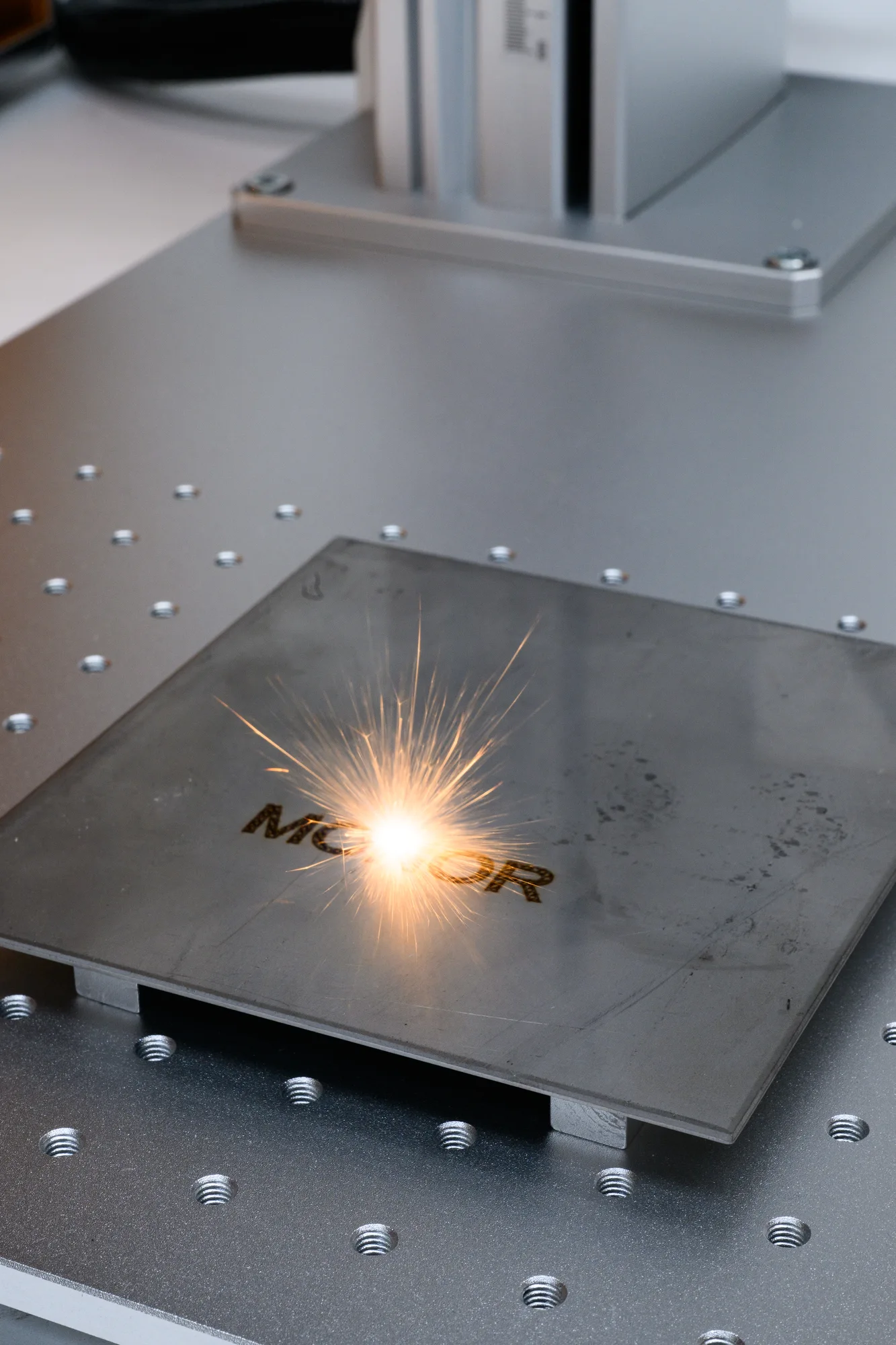
What You Can Mark and Process
How to Choose the Right Fiber Laser Power?
20 W
- Fine, precise surface marking
- Logos, text, QR codes, serial numbers
- Best where high speed or deeper engraving isn't the priority
30 W
- A more versatile balance of marking and power
- Faster marking than 20 W
- More headroom for engraving and demanding applications
50 W
- Higher speed and greater productivity
- Deeper engraving
- Better suited to demanding or frequent industrial use
What's Included with the Machine
Laser Sourceand galvo head with stand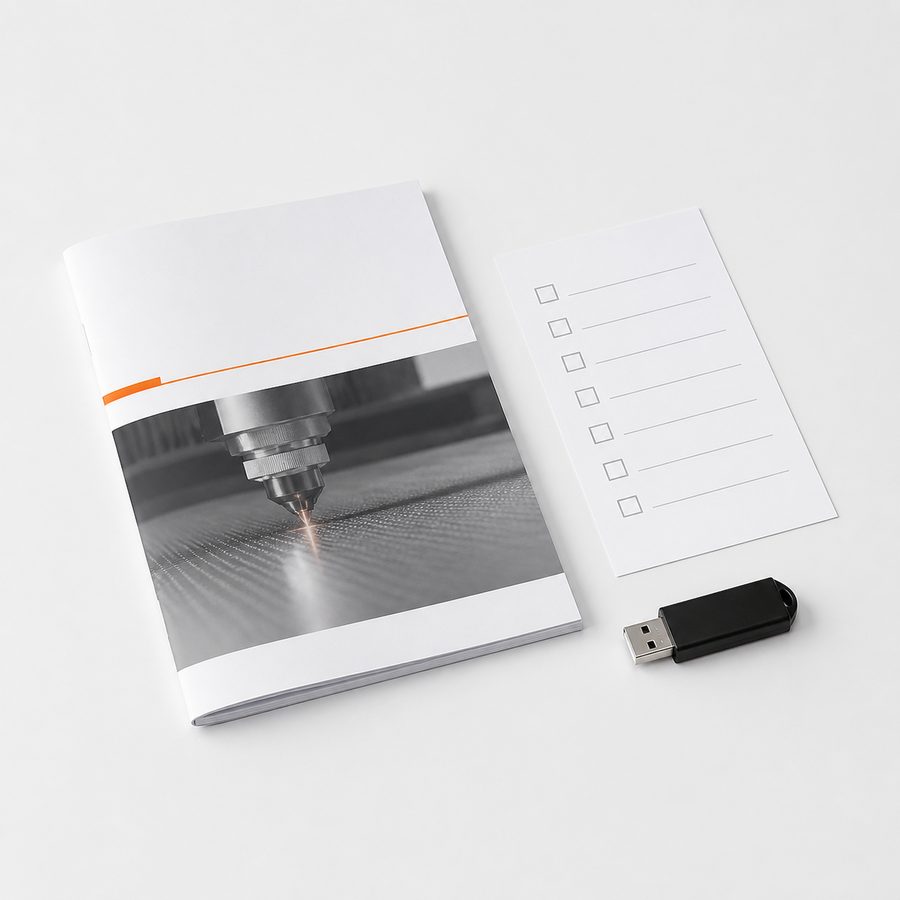 Manuals and Guidesprinted documentation
 Control SoftwareEZCad
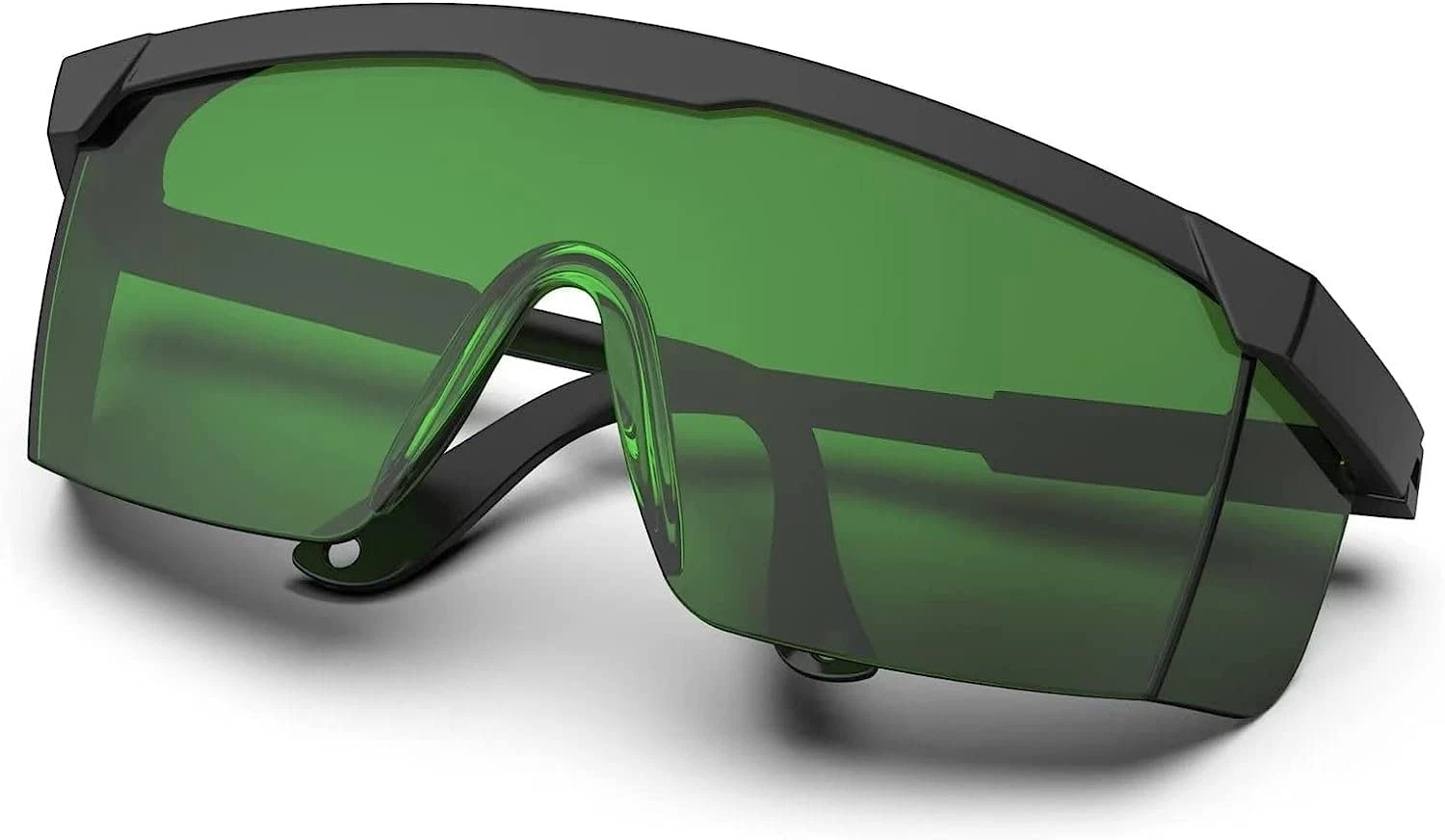 Protective Eyewearfor safe laser operation
Practical Solutions for Precise Marking
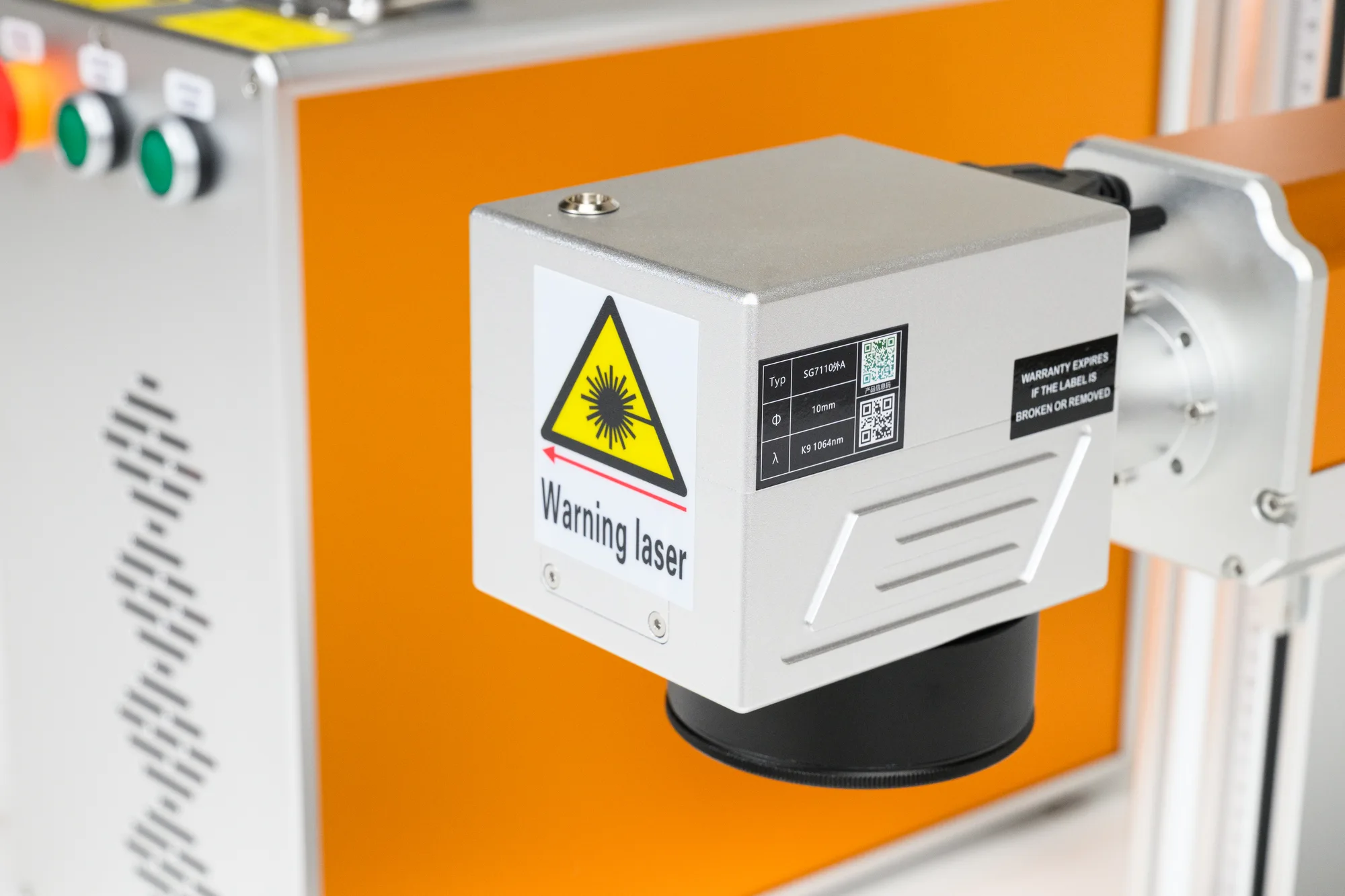
Galvo Scanning Head
The all-metal galvo head guides the laser beam across the surface, ensuring fast and precise marking without moving the material. The robust, all-metal mount — free of flimsy plastic parts — handles long-term operation and higher workloads.

Red Positioning Laser
Before marking begins, the red laser beam precisely shows the position and size of the upcoming mark on the material – so you know exactly where and how large the text or design will be placed.
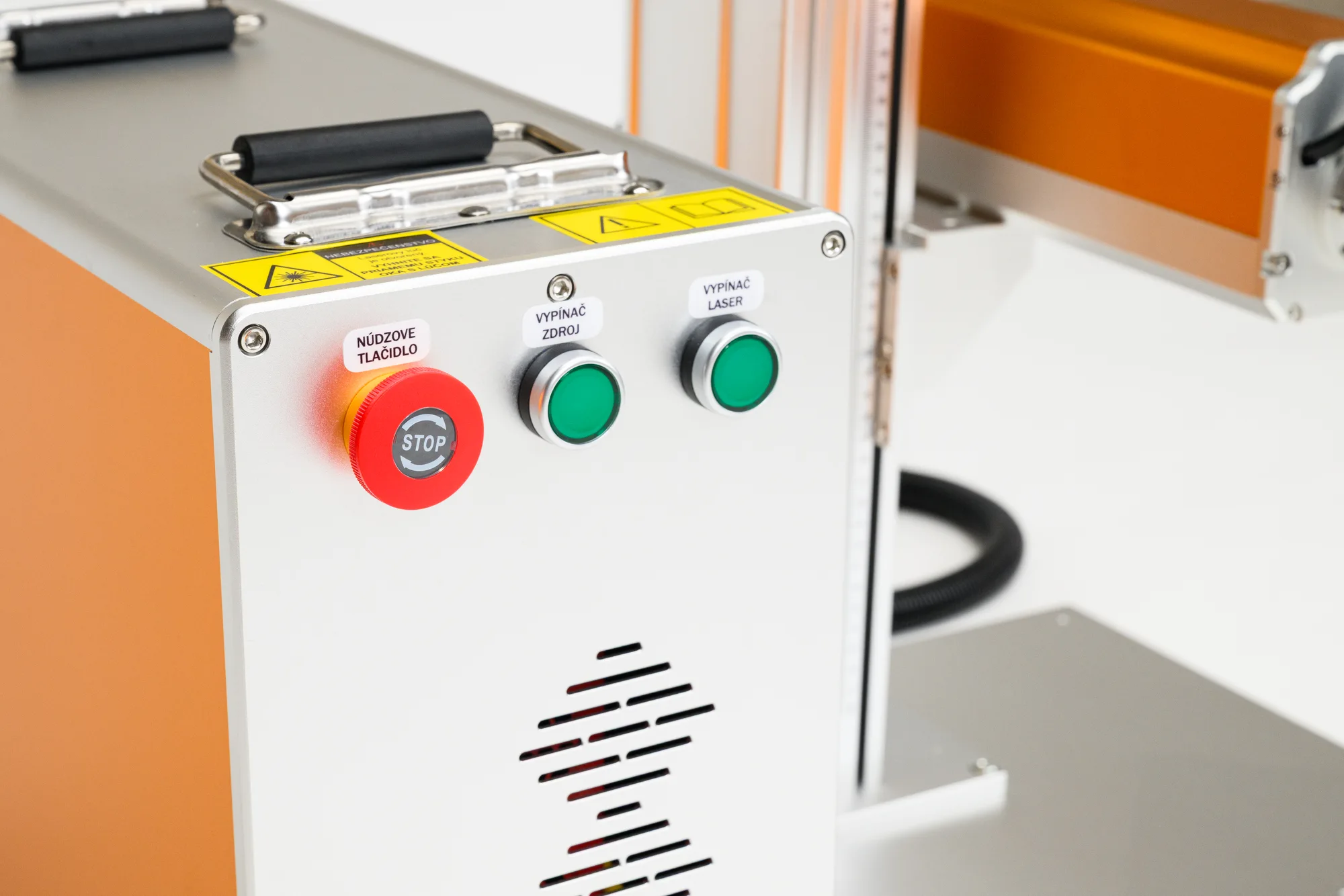
Emergency Stop and Source Control
An emergency stop button and separate switches for the source and laser ensure safe machine operation.
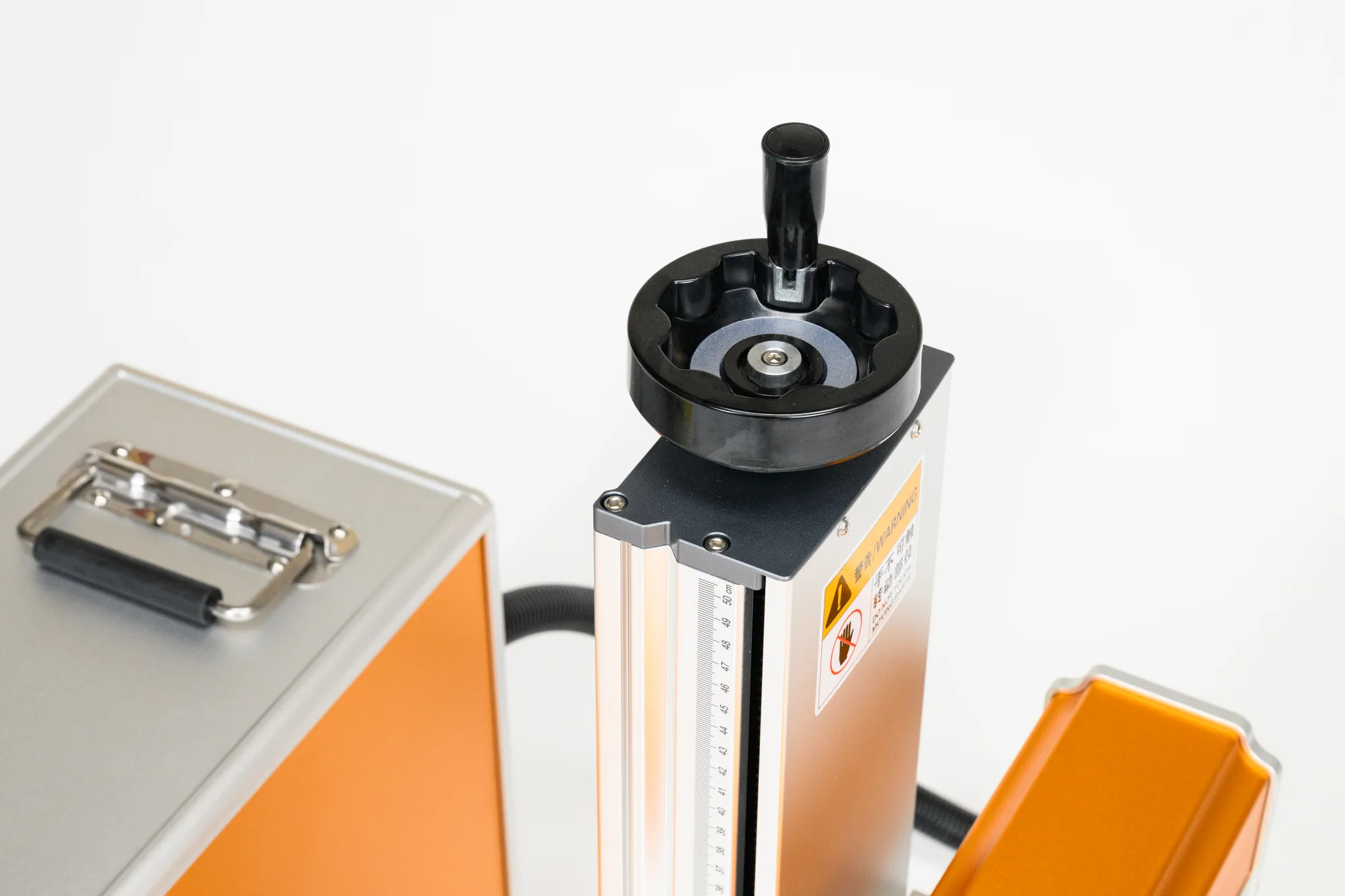
Manual Height Adjustment (Z-axis)
You adjust the head height manually using a mechanism with a precise scale – quickly, reliably, and without electronics that could go out of calibration. Experienced operators can therefore focus very precisely and repeatably, with minimal risk of deviation during setup.

USB, Pedal, and Rotary Attachment Connection
The rear panel offers a USB connection to a PC and connectors for a foot pedal and an optional rotary attachment. Electronic provisioning for the rotary attachment is built into the machine as standard – so when purchased later, no additional controller or motor driver is needed.
Permanent Marking Without Consumables
The fiber laser burns a permanent mark into the metal surface without the need for paints or other consumables.
MONOR Fiber Laser 30 W in Action
Engraving a Pen with the 30 W Fiber Laser
Fast, precise, and professional marking of a metal object in practice.
Marking Plastic
A demonstration of marking on a selected type of plastic with the MONOR Fiber Laser 30 W.
You're Not Buying a Machine Without Support
2-Year Warranty
We provide a standard 2-year warranty on the machine and help resolve technical questions even after handover.
Technical Support
For questions about setup, materials, or operation, fast technical support is available to you.
Step-by-Step Video Guides
Instructional videos guide the operator from unboxing and installation through to operation, maintenance, and the first jobs.
Online or In-Person Training
As needed, we arrange individual training – online, in person at pickup, or on-site.
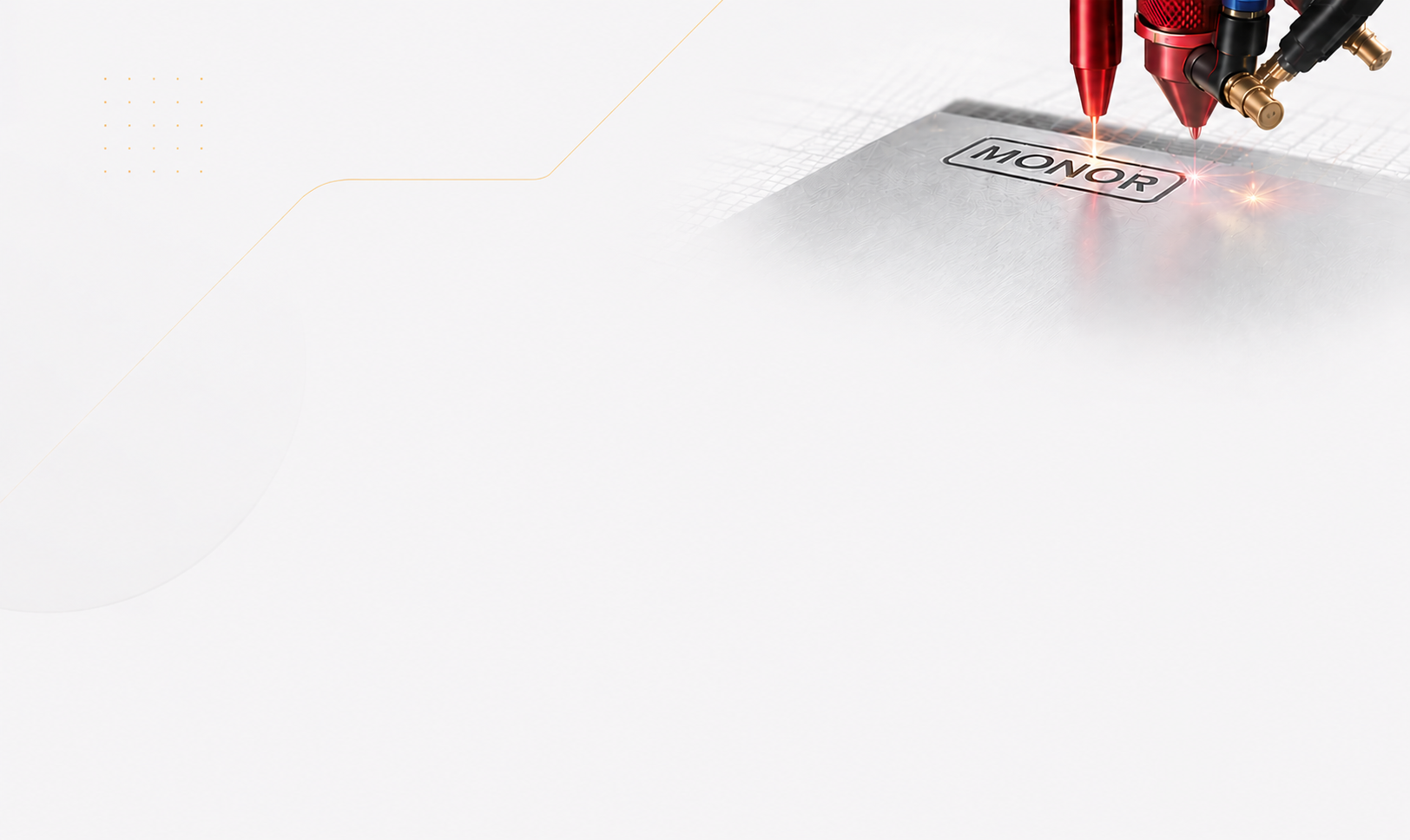
What's the Difference Between Marking and Engraving?
The MONOR Fiber Laser 30 W can work on metal in two ways – fast surface marking or deeper, more efficient engraving, depending on the power setting and number of passes.
Marking (Surface)
Quickly creates a high-contrast, permanent mark on the material's surface – suitable for codes, text, and logos.
Engraving (Deep)
During engraving, the laser removes material to a depth through repeated passes of the beam – thanks to the higher 30 W power, this happens faster and more efficiently than with 20 W, depending on the set power and number of passes – suitable where the mark needs to be tactile.
MONOR Fiber Laser 30 W Specifications
| Model | MONOR Fiber Laser 30 W |
| Laser Type | Fiber (galvo) |
| Wavelength | 1064 nm |
| Laser Power | 30 W |
| Working Area | 200 × 200 mm |
| Marking Speed | up to 8,000 mm/s |
| Frequency | 20–100 kHz |
| Positioning Accuracy | 0.001 mm |
| Min. Line Width | 0.01 mm |
| Min. Character Height | 0.05 mm |
| Cooling | air-cooled |
| Power Supply | 220–230 V, 50 Hz |
| Dimensions (L×W×H) | 70 × 20 × 50 cm |
| Weight | 35 kg |
| Source Lifespan | approx. 100,000 hours |
| Included Software | EZCad |
| Compatible Software | LightBurn, CorelDraw, Illustrator, AutoCAD |
| PC Connection | USB |
| Supported Formats | AI, PLT, DXF, BMP, JPG, GIF, PNG, TIF |
| OS Compatibility | Windows 7, 8, 10 |
| Rotary Attachment | available as an add-on (optional accessory) |
| Materials | stainless steel, mild steel, aluminum, titanium, selected plastics |
What Customers Ask Us Before Buying
What materials can I mark with a fiber laser?
Primarily metals – stainless steel, mild steel, and aluminum. The fiber laser is also suitable for marking selected plastics; we recommend verifying the specific material in advance.
Can the machine also cut material, or only mark and engrave?
The MONOR Fiber Laser 30 W is designed for surface marking and engraving, not for cutting through material.
What's the difference between a Fiber and a CO2 laser?
A fiber laser (1064 nm) is designed for marking and engraving metals. A CO2 laser, on the other hand, is for cutting and engraving non-metal materials such as wood, acrylic, or leather. These are different technologies for different materials.
Does the machine support LightBurn?
Yes. The machine is compatible with LightBurn software (as well as CorelDraw, Illustrator, and AutoCAD) – it ships with EZCad as standard, but you can also prepare your work in LightBurn.
Is the rotary attachment included?
No, the rotary attachment for marking cylindrical objects is available as an optional accessory. The machine has a dedicated connector ready for it.
Is training included?
Yes. Video guides are available, and if needed, individual training online, in person at pickup, or on-site.
Do I need an external cooling unit for the machine?
No, the MONOR Fiber Laser 30 W uses air cooling – no need to purchase an external chiller.
How does shipping work?
We deliver throughout Slovakia and Czechia, and to other EU countries upon request. We'll agree on the exact terms when you order.
What's the warranty on the machine?
We provide a standard 2-year warranty on the machine and help resolve technical questions even after handover.
Want to check whether the MONOR Fiber Laser 30 W is right for your marking needs?
Tell us what material and parts you want to mark. We'll recommend the right settings and accessories.